
Same person
A portrait is made once; every shoot after that uses the same face and body. For a consistent brand face across a campaign.
Try-On Studio
Upload your product photos, direct the shoot, collect the images. The same flow for one product or the whole catalogue, and you always see how many credits it takes before you generate.
10 free credits · No credit card · Failed images refunded
01
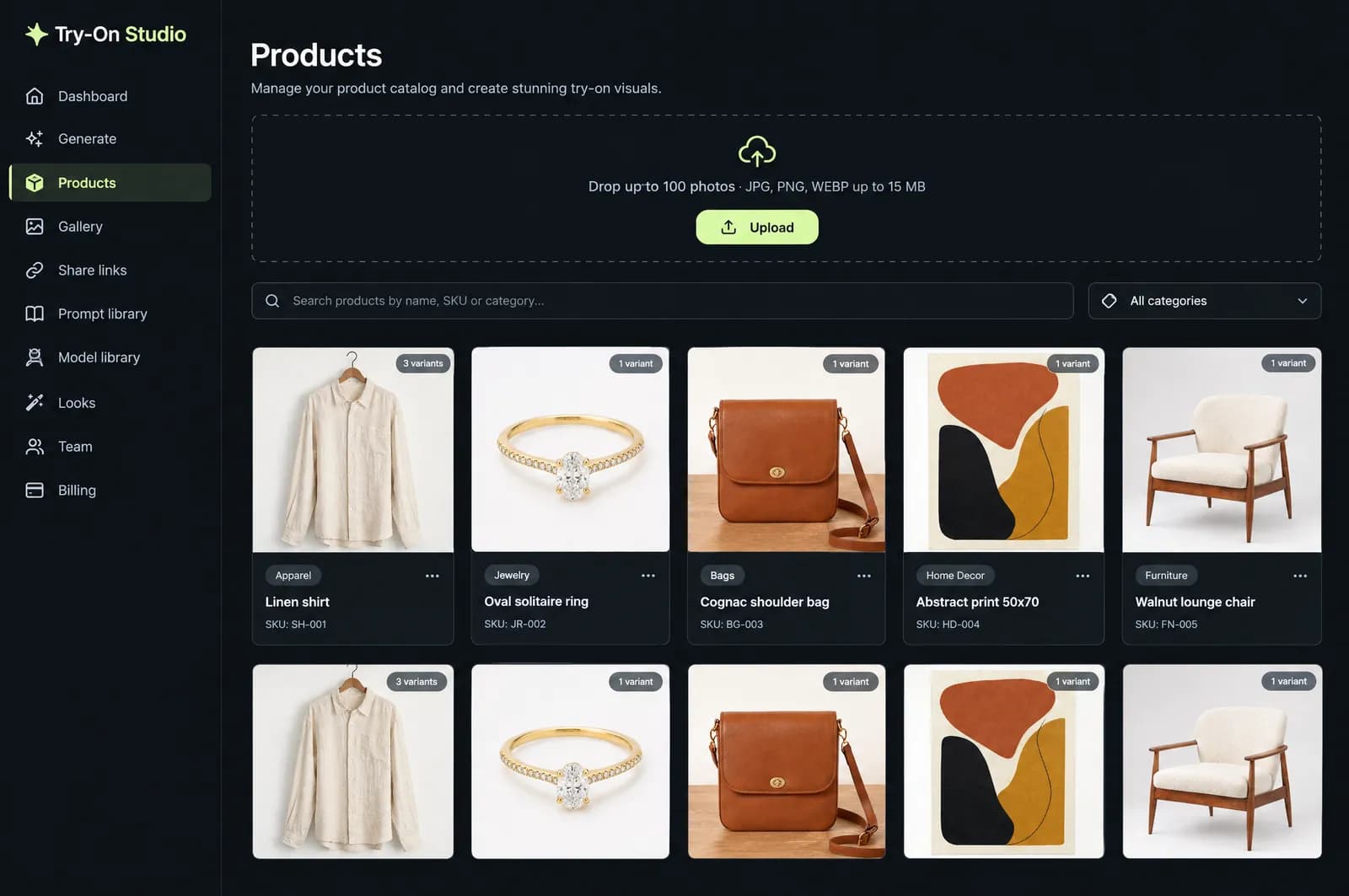
Drag and drop your photos, up to 100 at once. Product names come from the file names. Each colour or size is saved as a labelled product photo, with a SKU if you like.
JPG, PNG, WEBP · up to 15 MB · colour, size, SKU
02
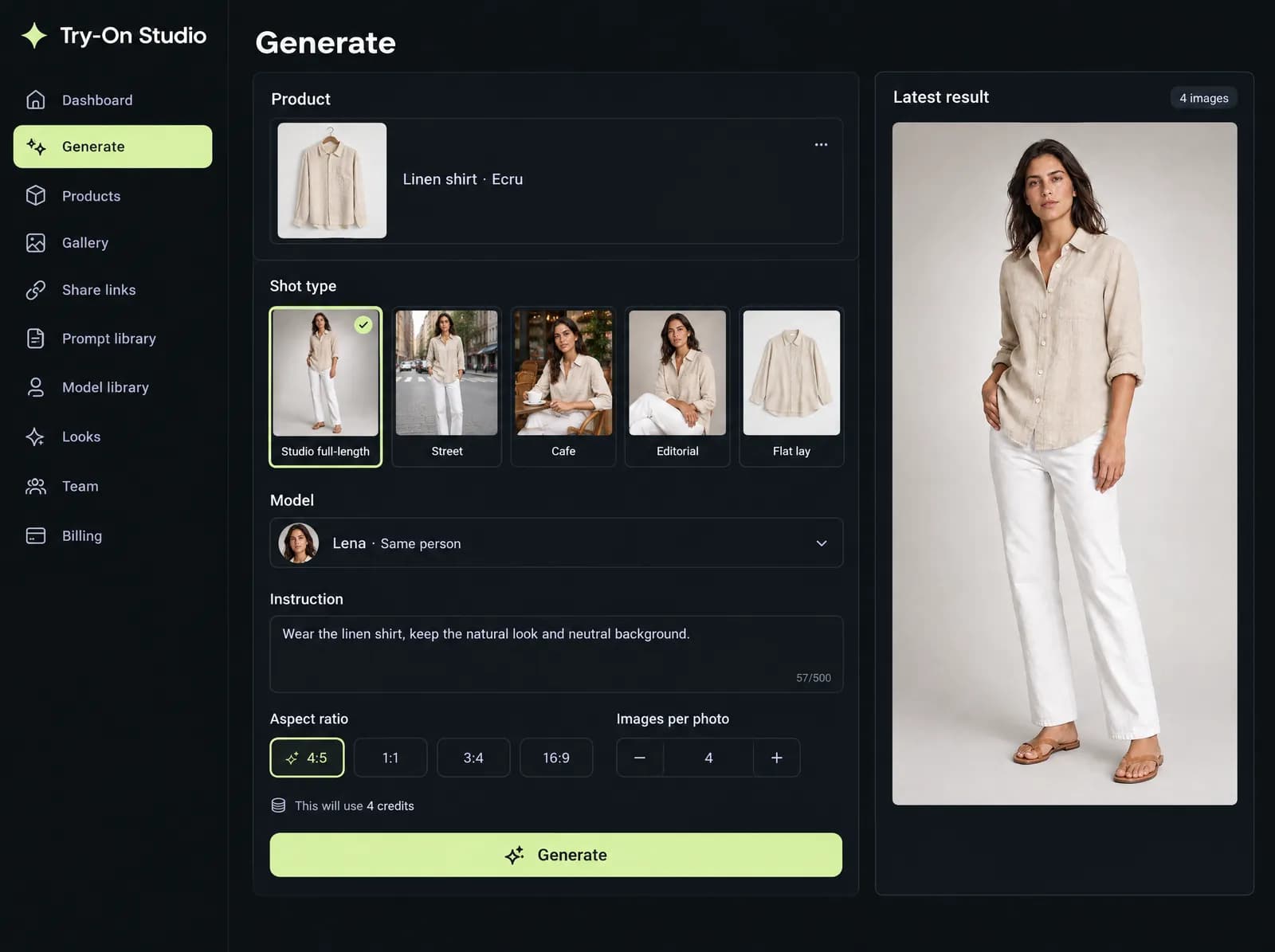
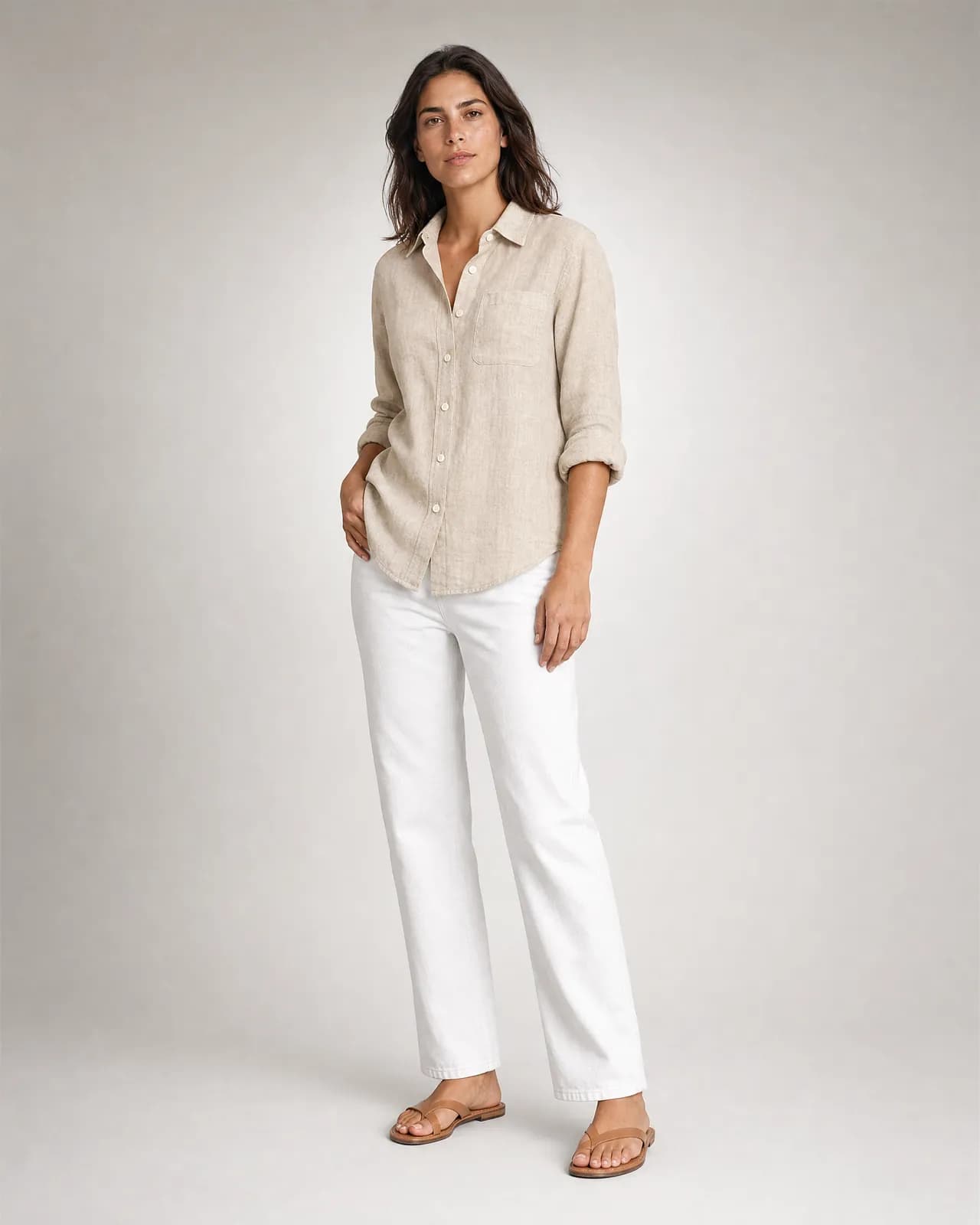
Pick a shot type made for your category, assign a saved model, add a short instruction and up to three style references. Choose the ratio and how many images per photo; the credit estimate sits right above the button.
1–8 images · 3 style references · ratio
03
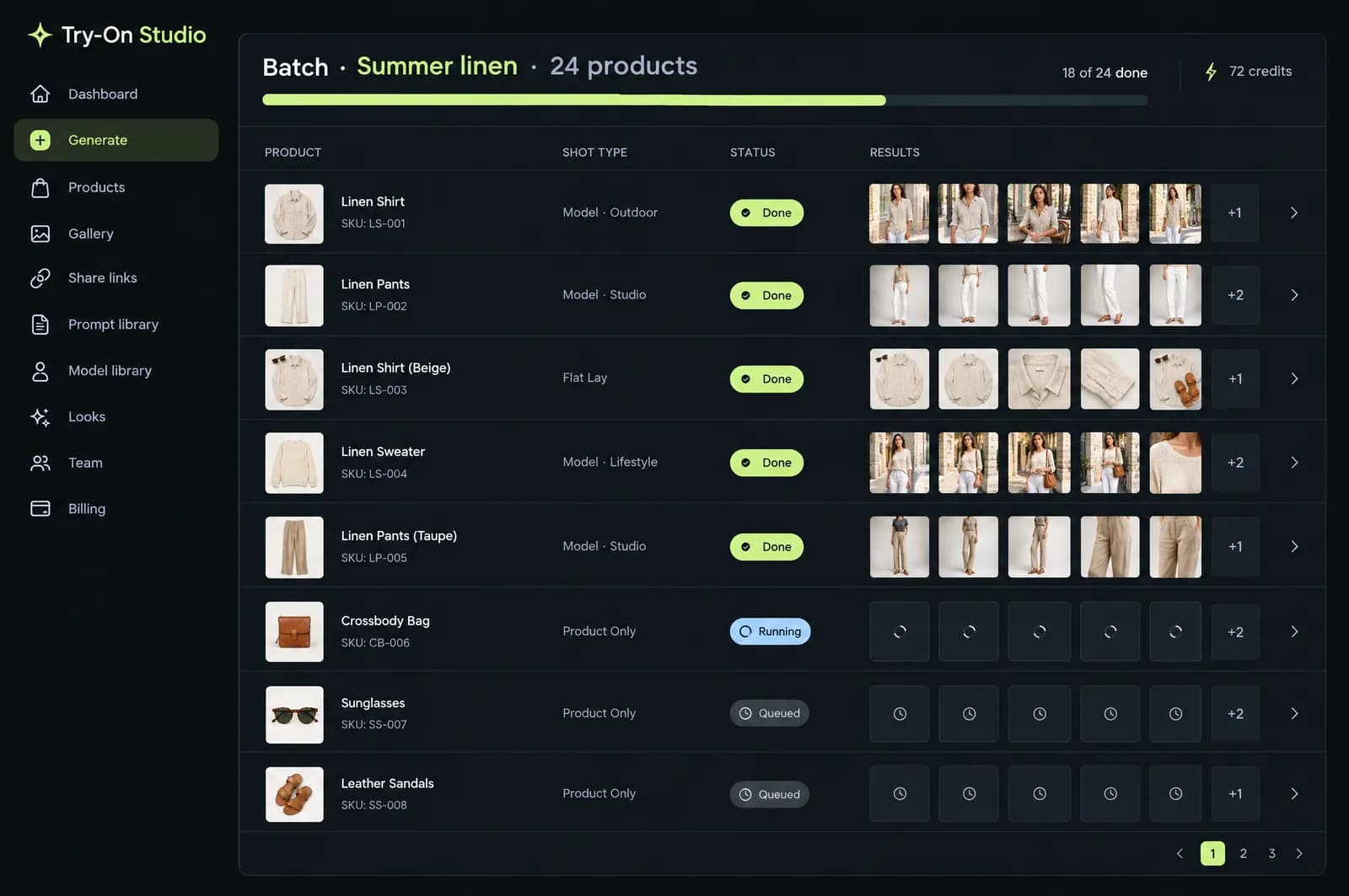
Start a batch for up to 50 products at once and follow each one on the batch page. Keep a scene you like and place the other colours into the same frame.
50 products · same scene, other colours
04
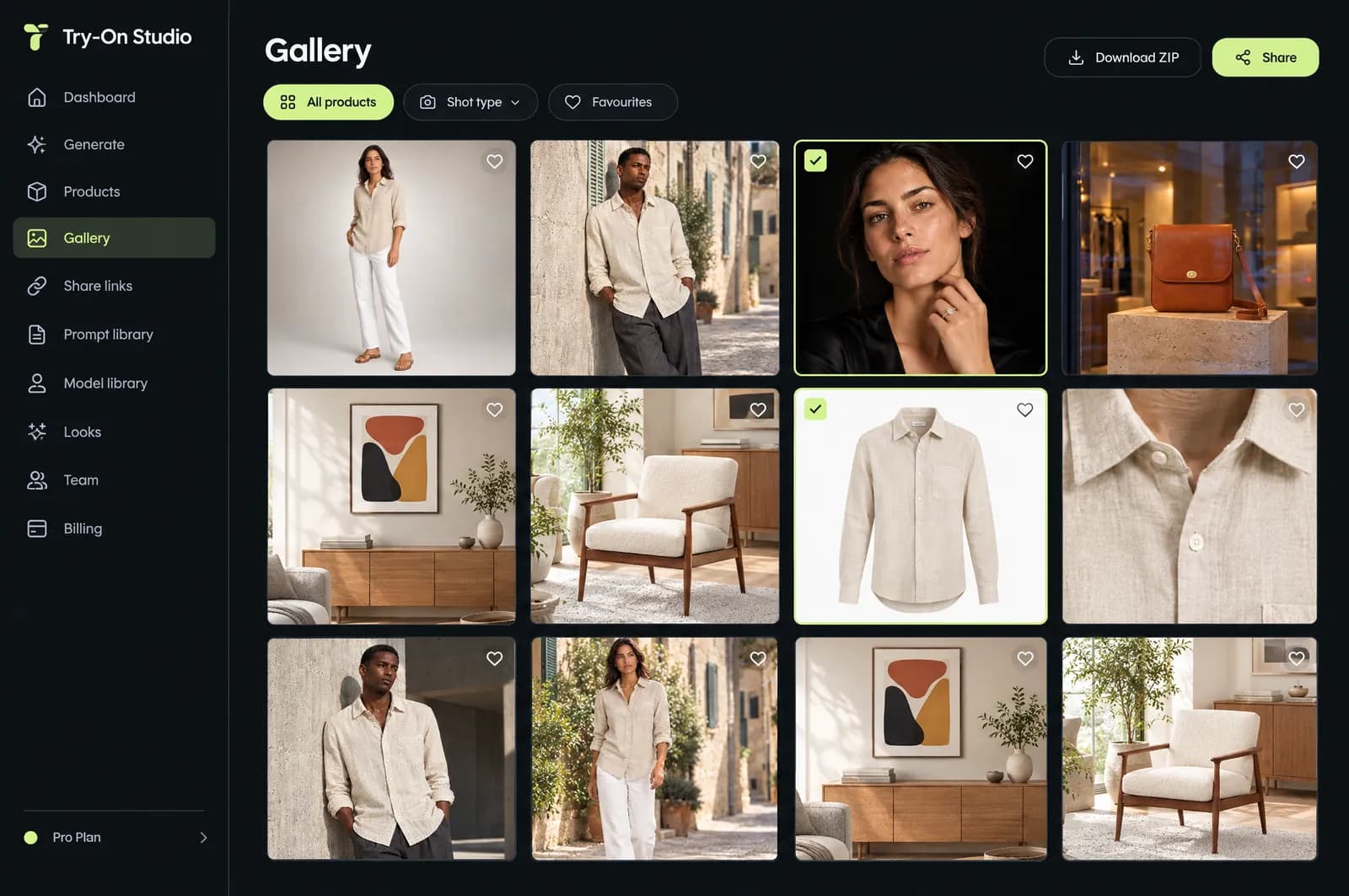
Filter by product, shot type and favourites, and download what you pick as a ZIP. Continue from any result: scene, model and light stay; only what you ask for changes.
filters · favourites · ZIP · continue from a result
05
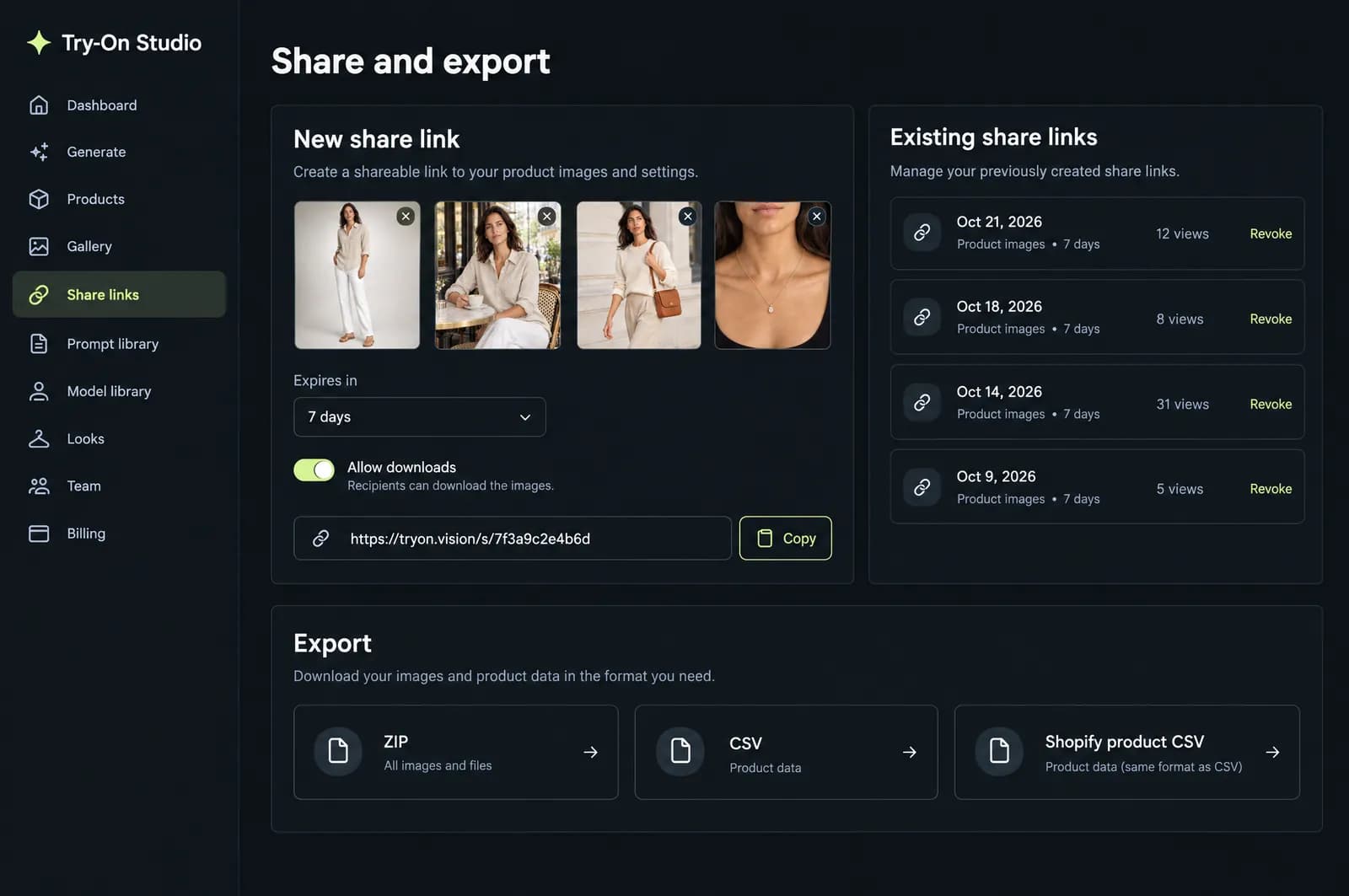
Send your team or your client a share link that expires; decide whether downloads are allowed, see the views, revoke it whenever you like. Export a generic CSV or a Shopify product CSV.
expiring links · views · CSV · Shopify CSV
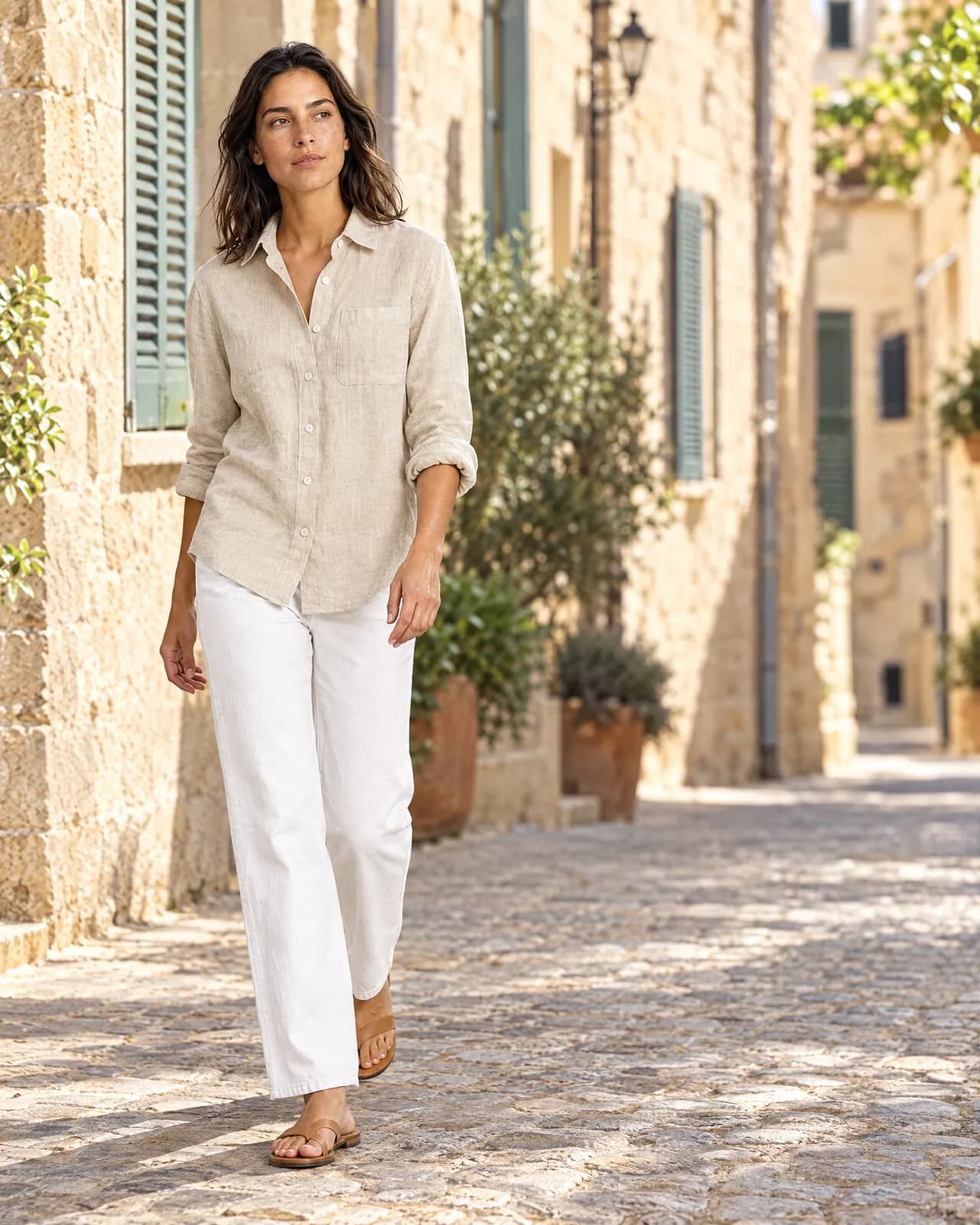
Shot types are made around what sells in each category: street and editorial for a jacket, on the finger and macro for a ring, a living-room wall for a print. You can write your own templates too.
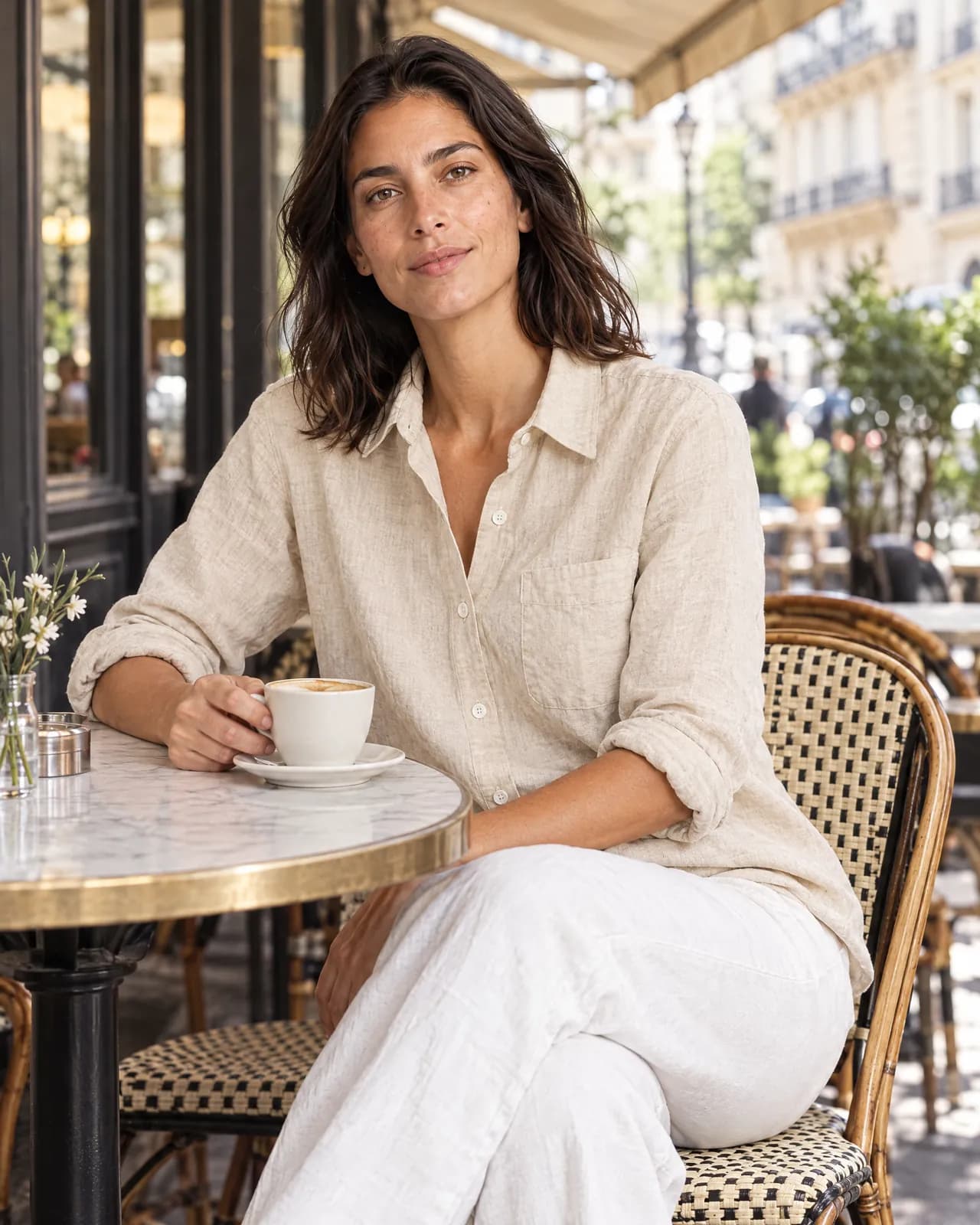
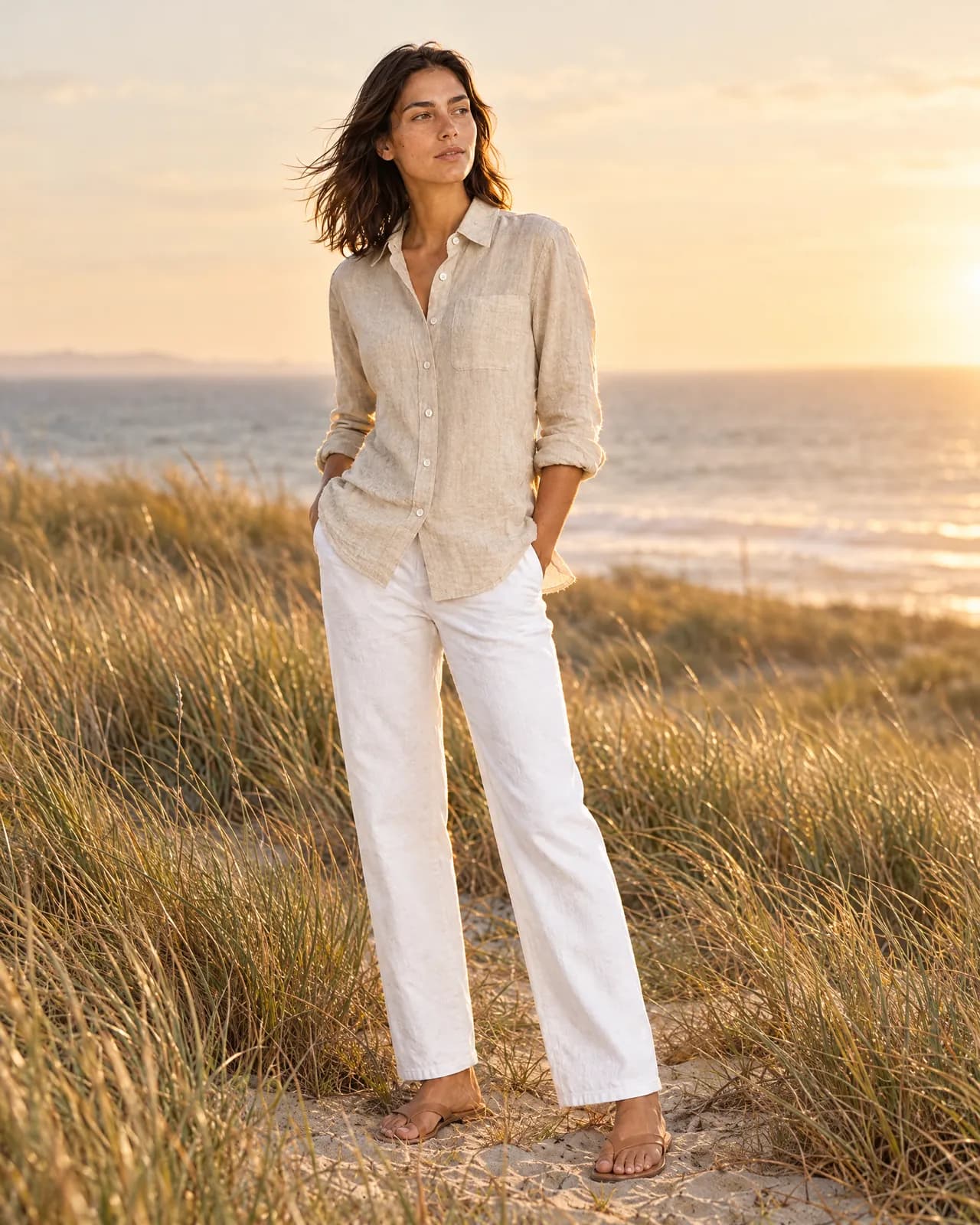
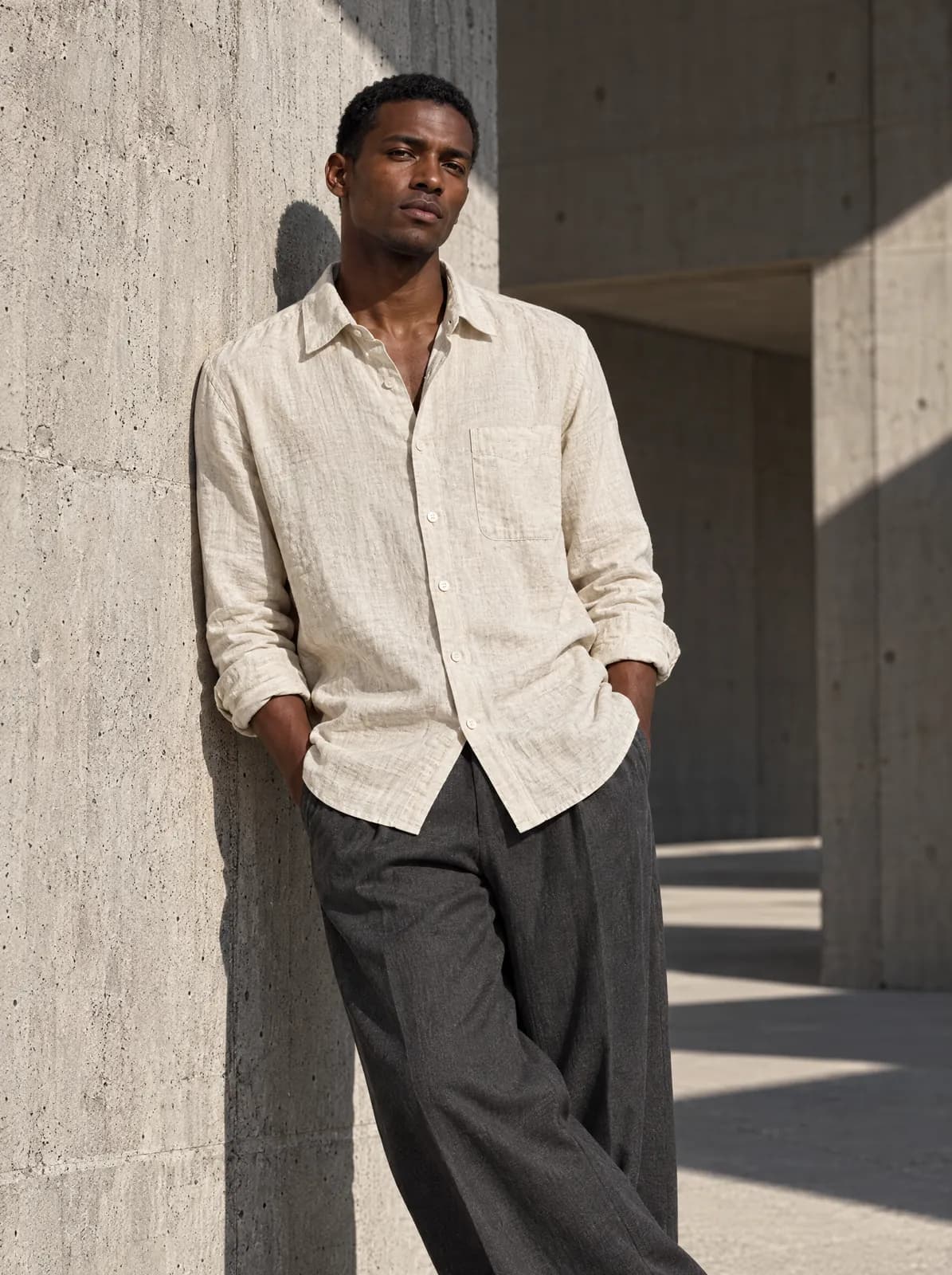
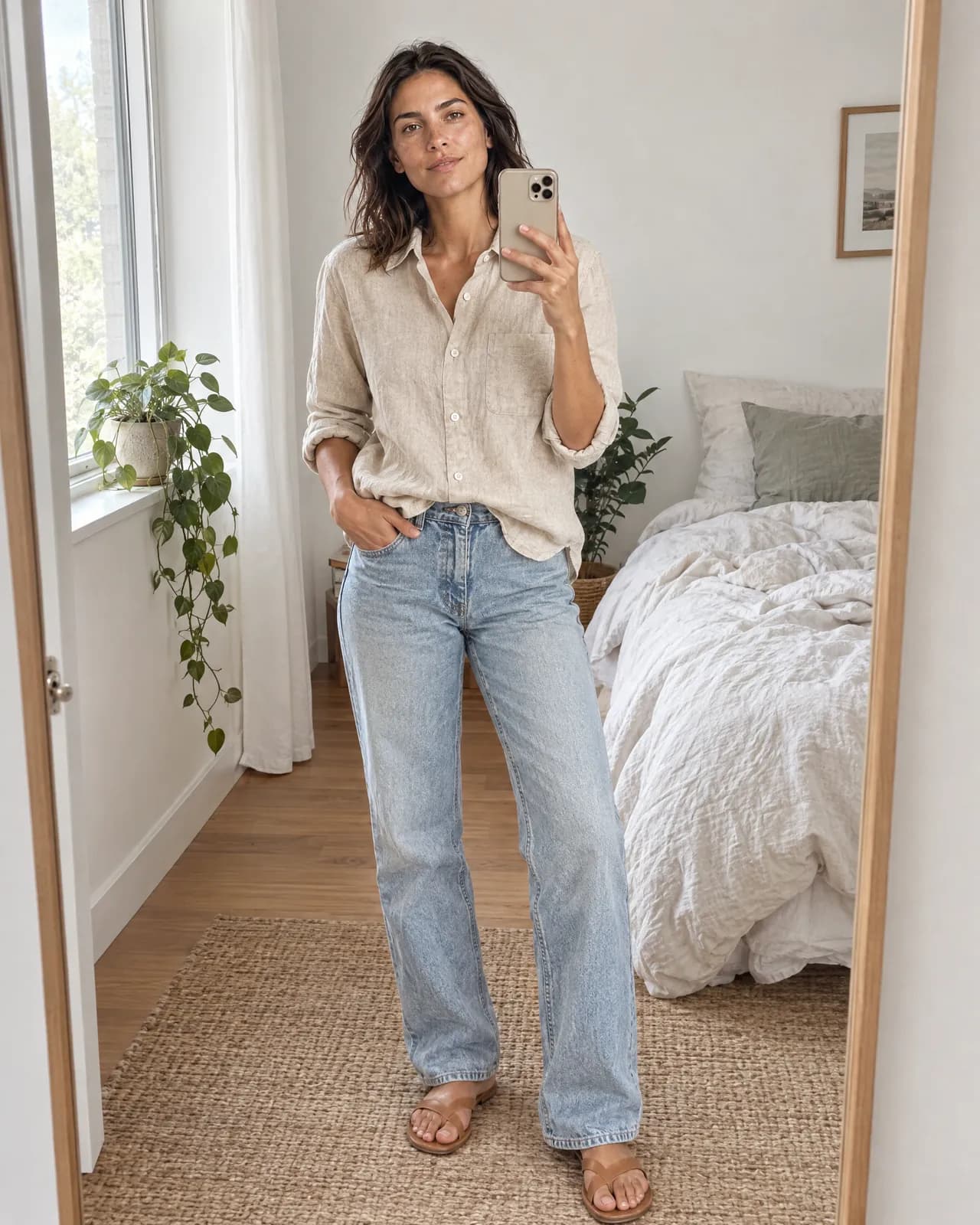
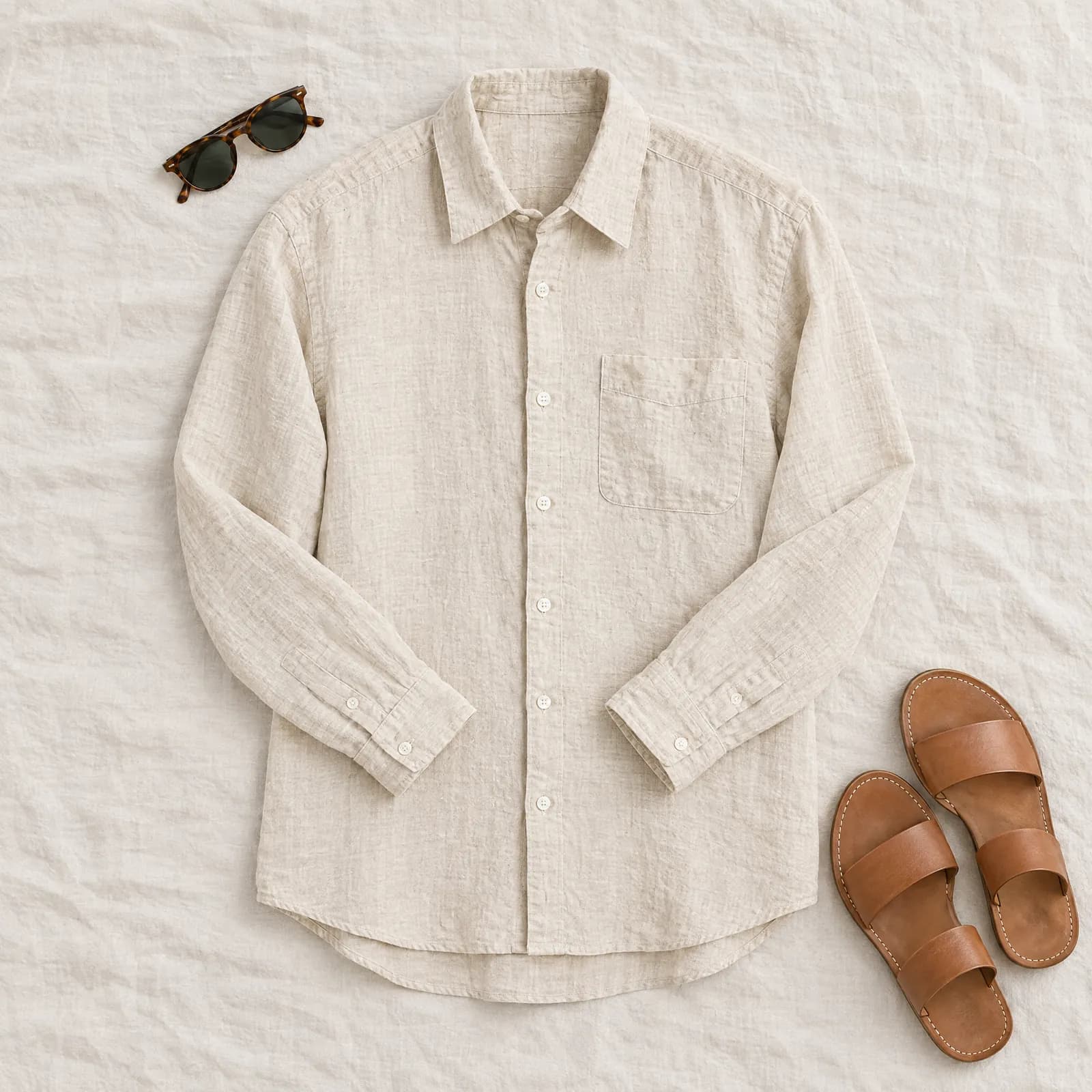
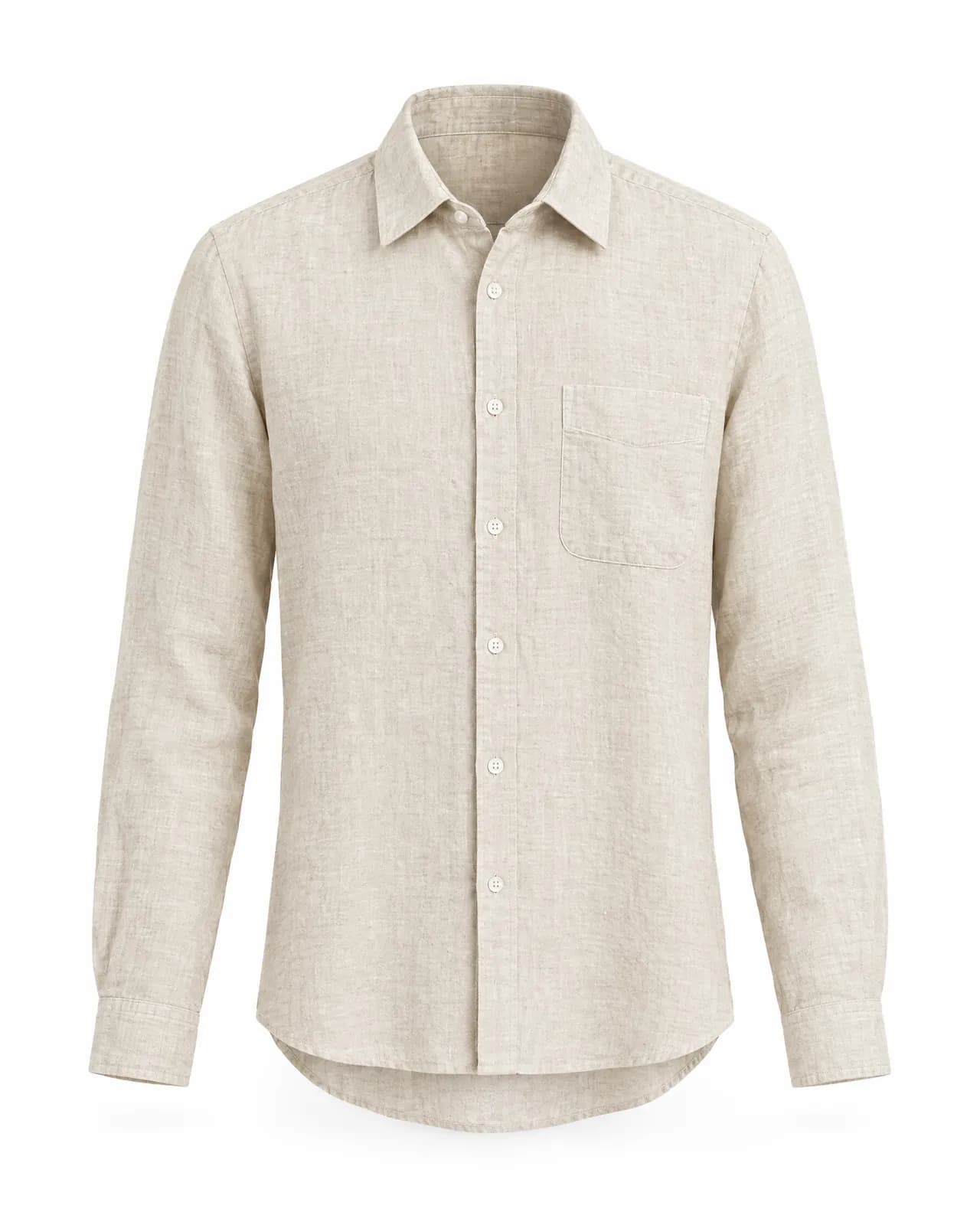
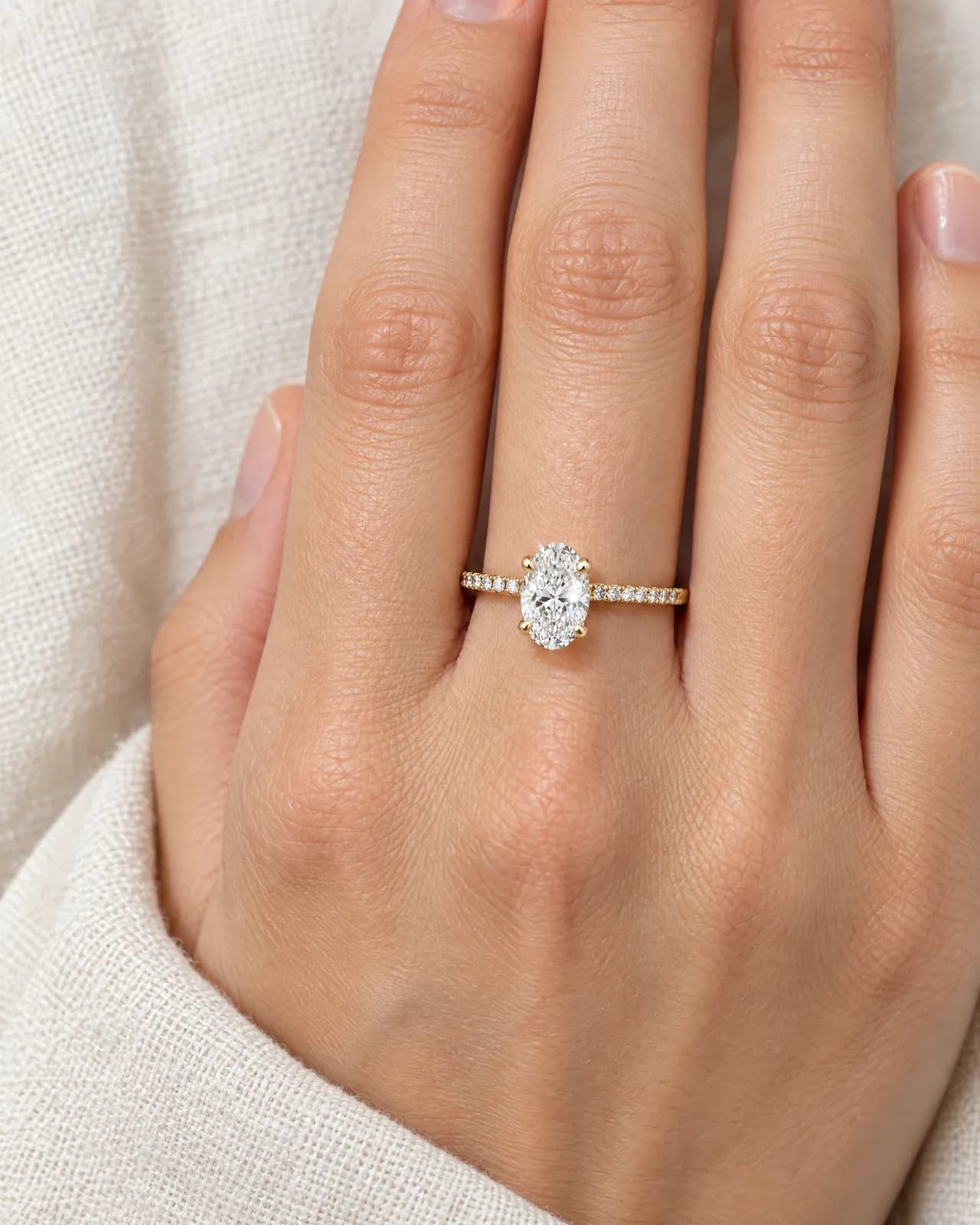
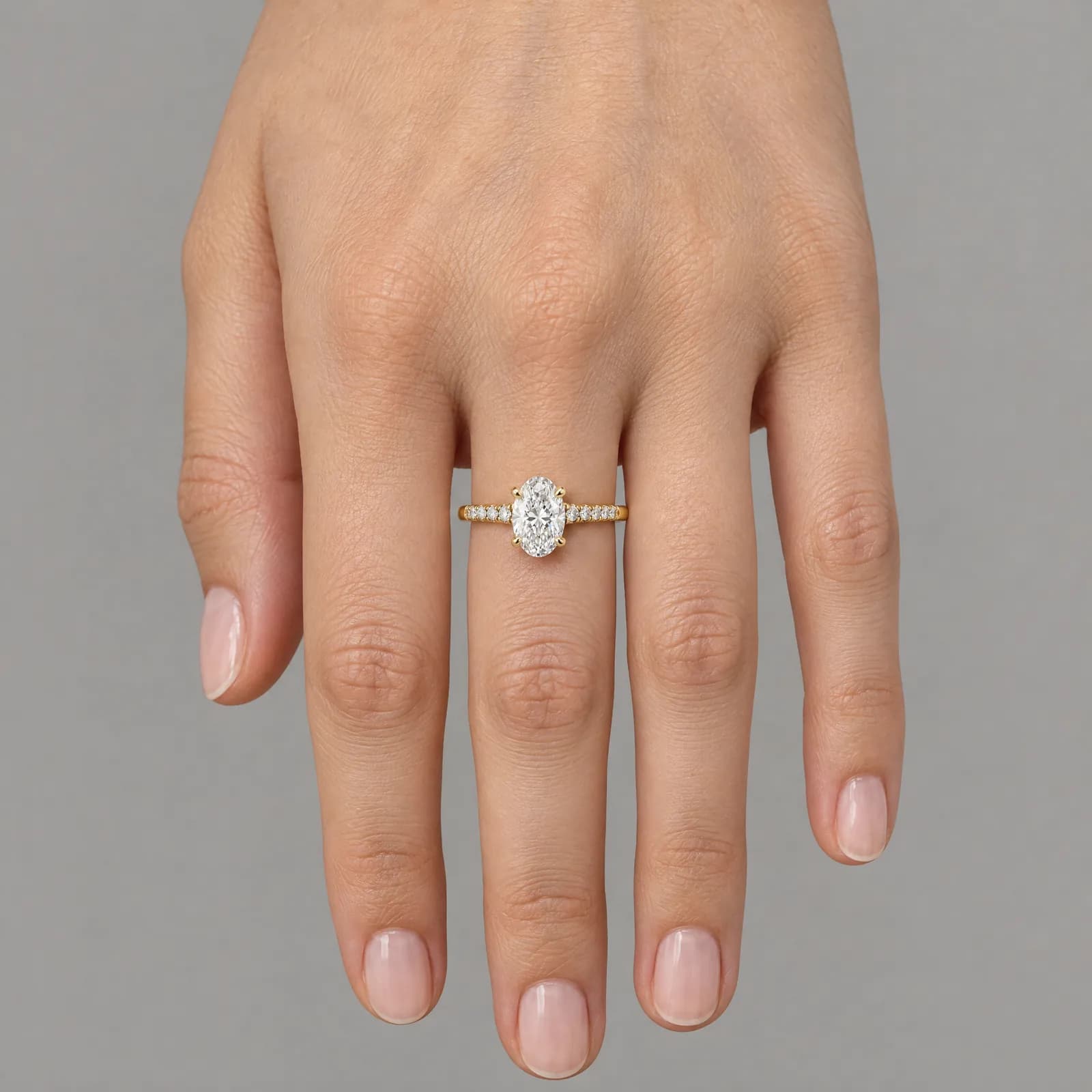
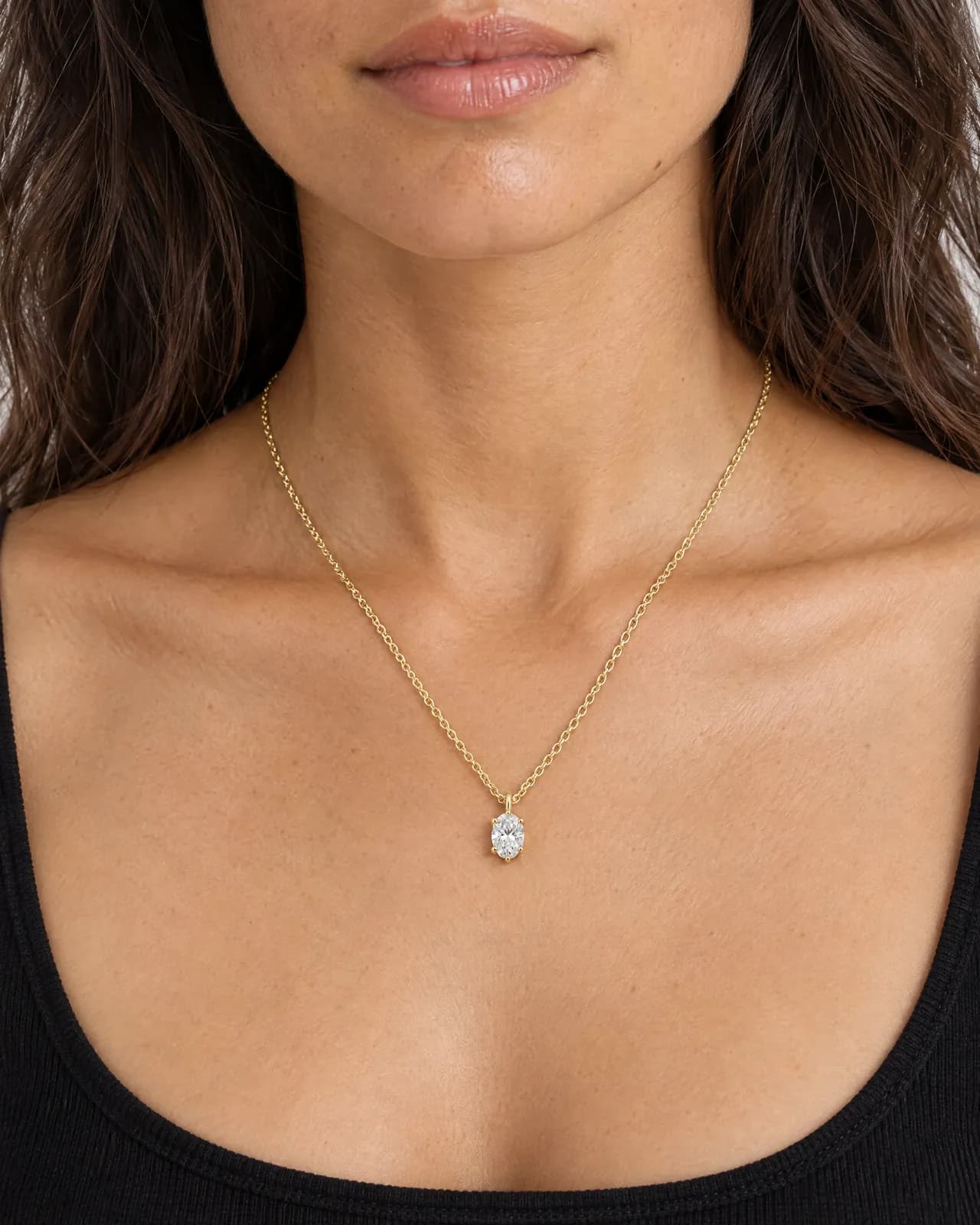
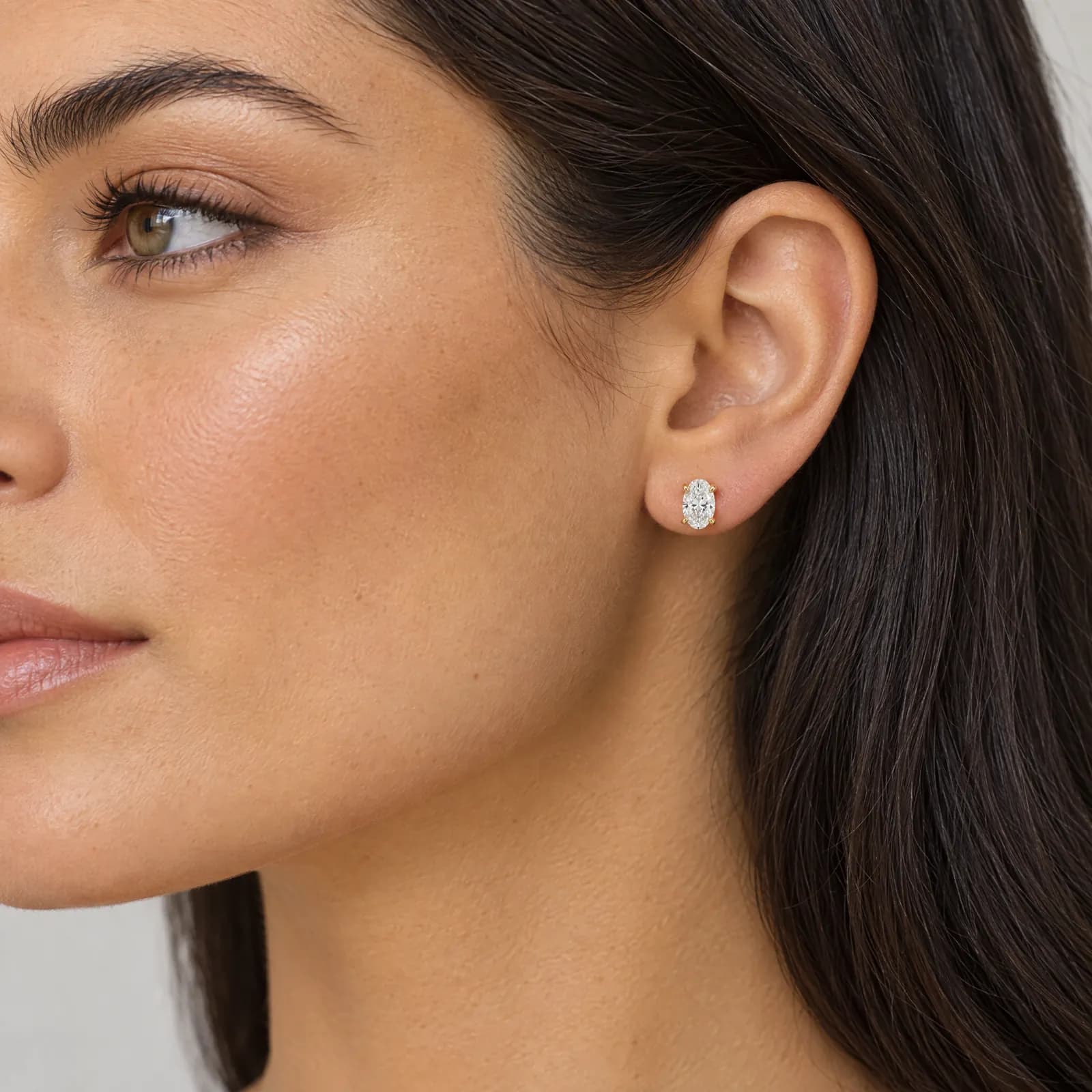
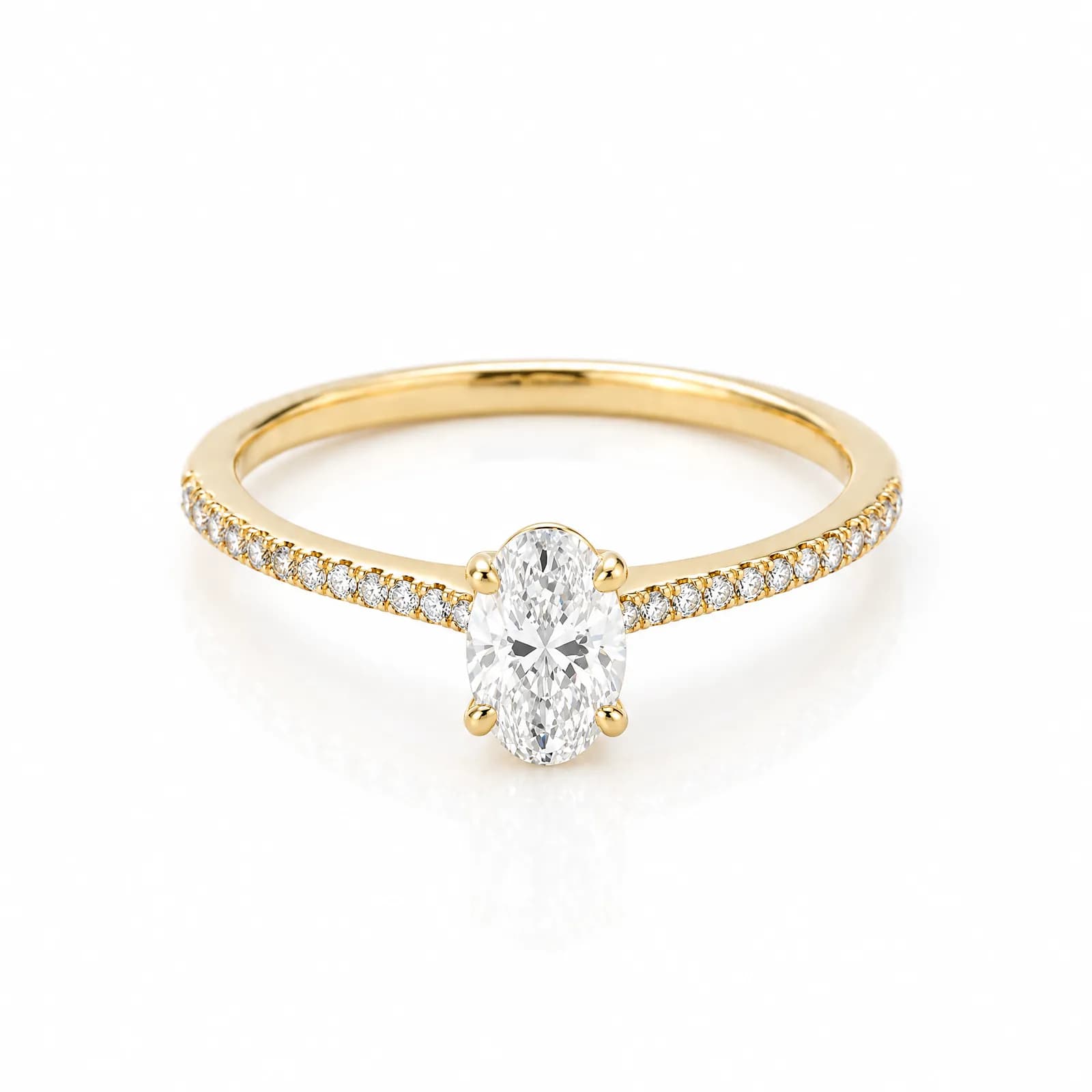
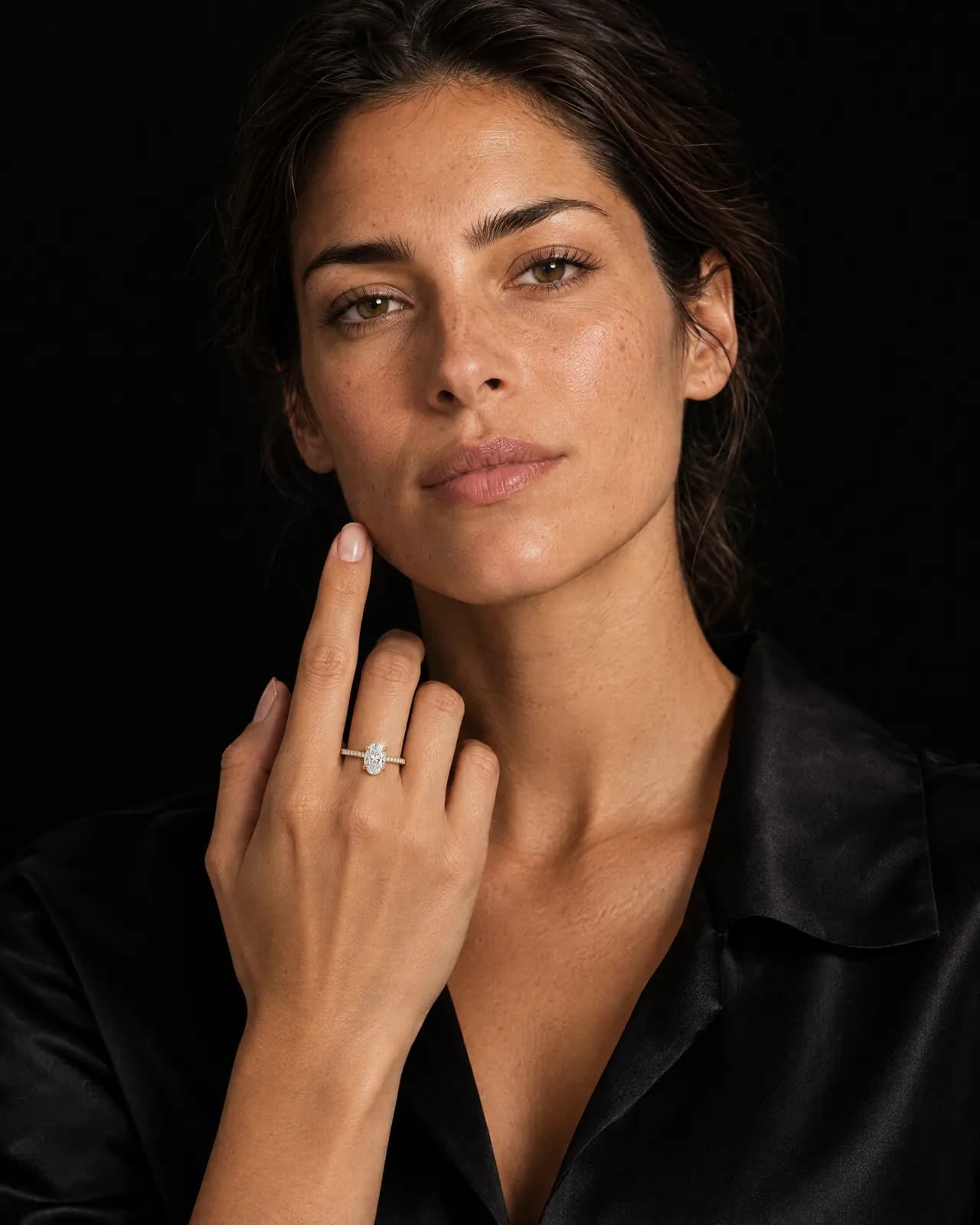
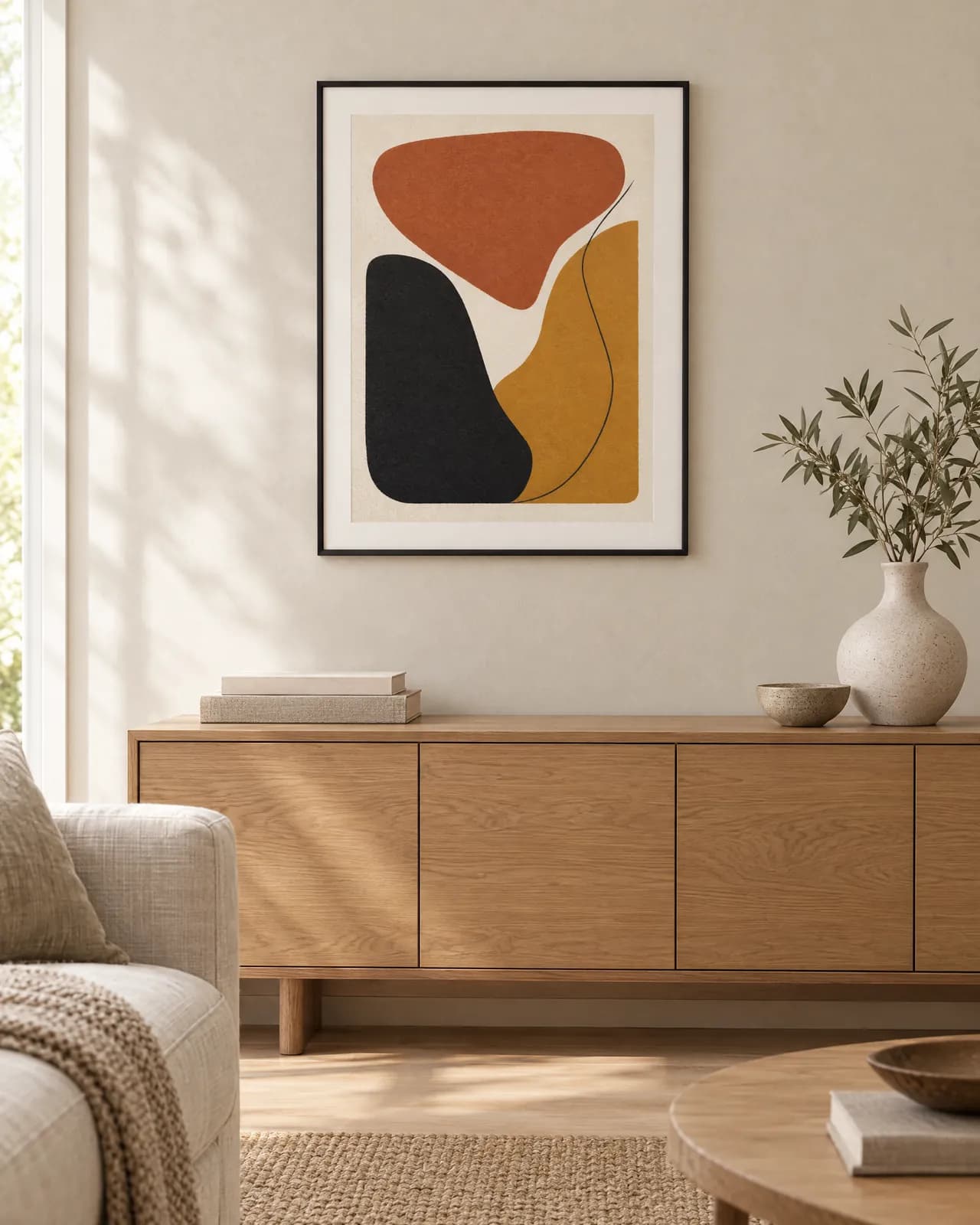
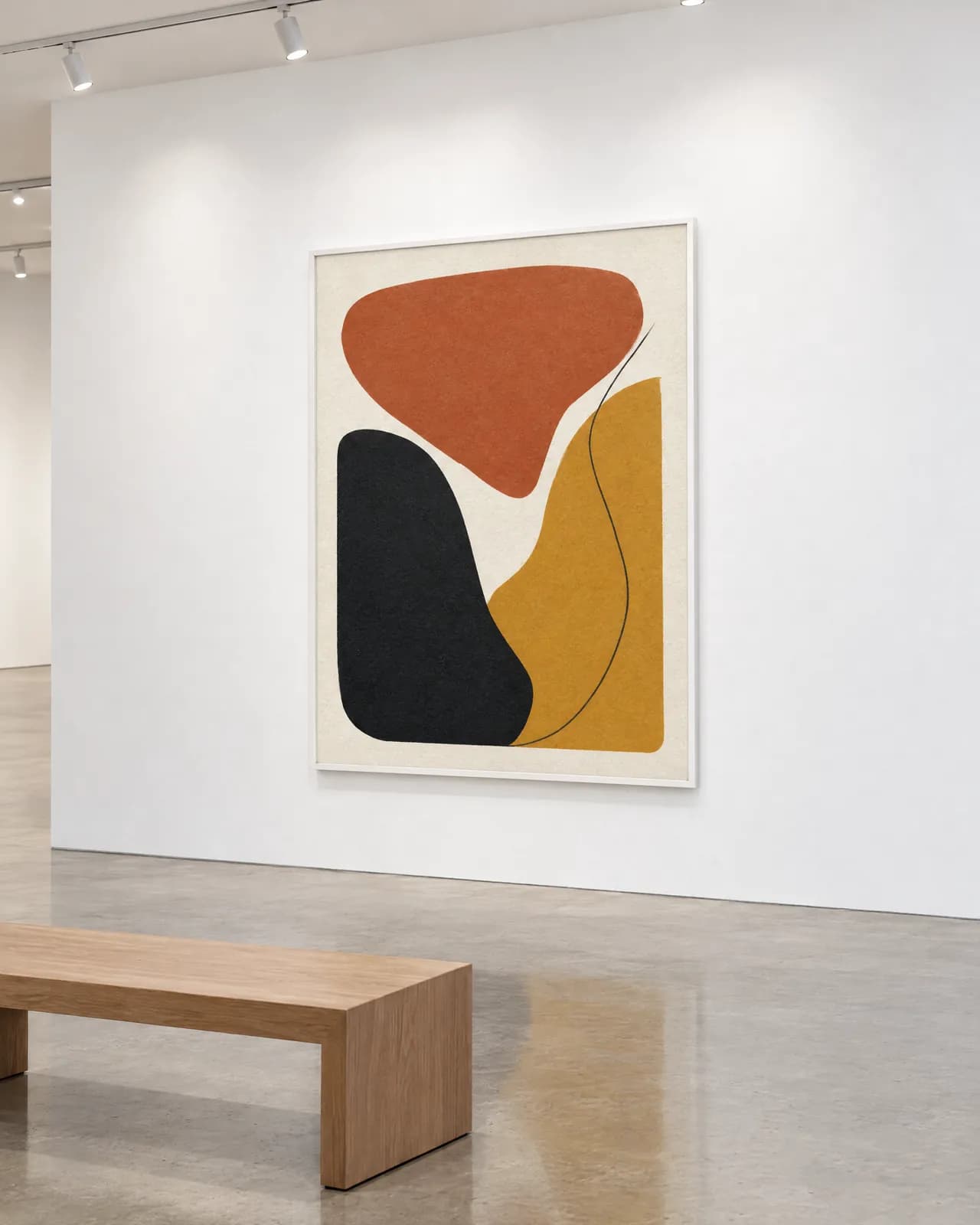
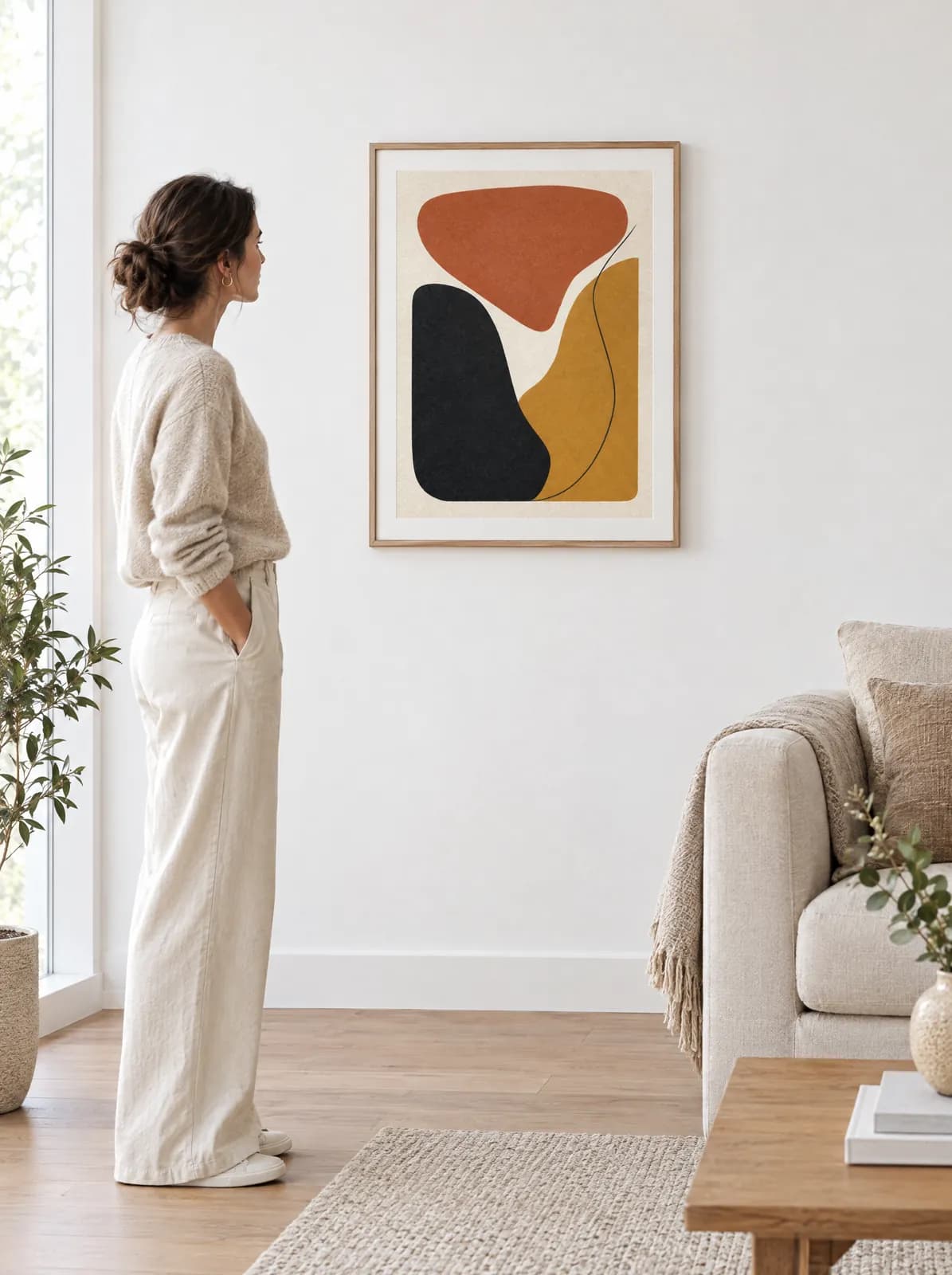
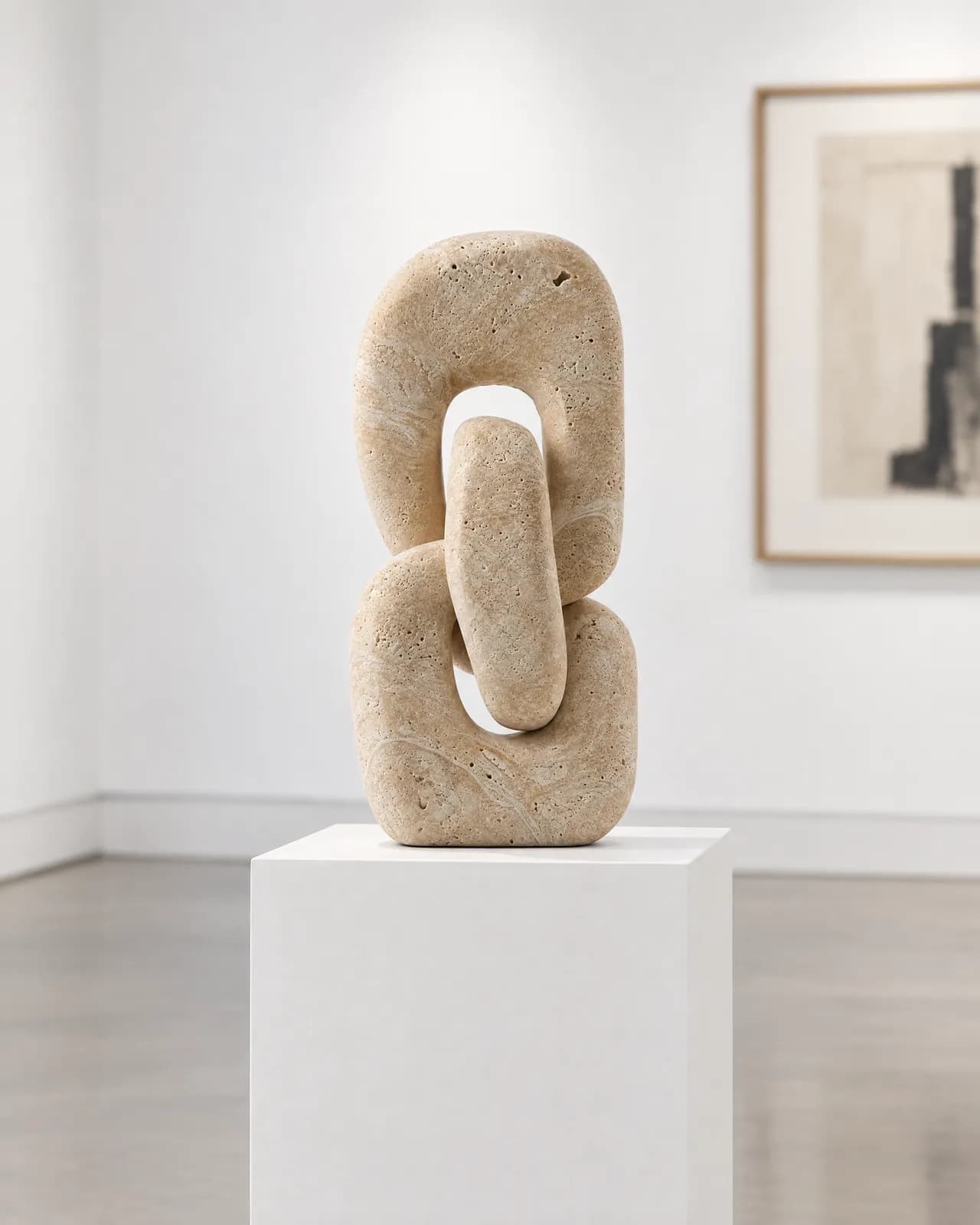
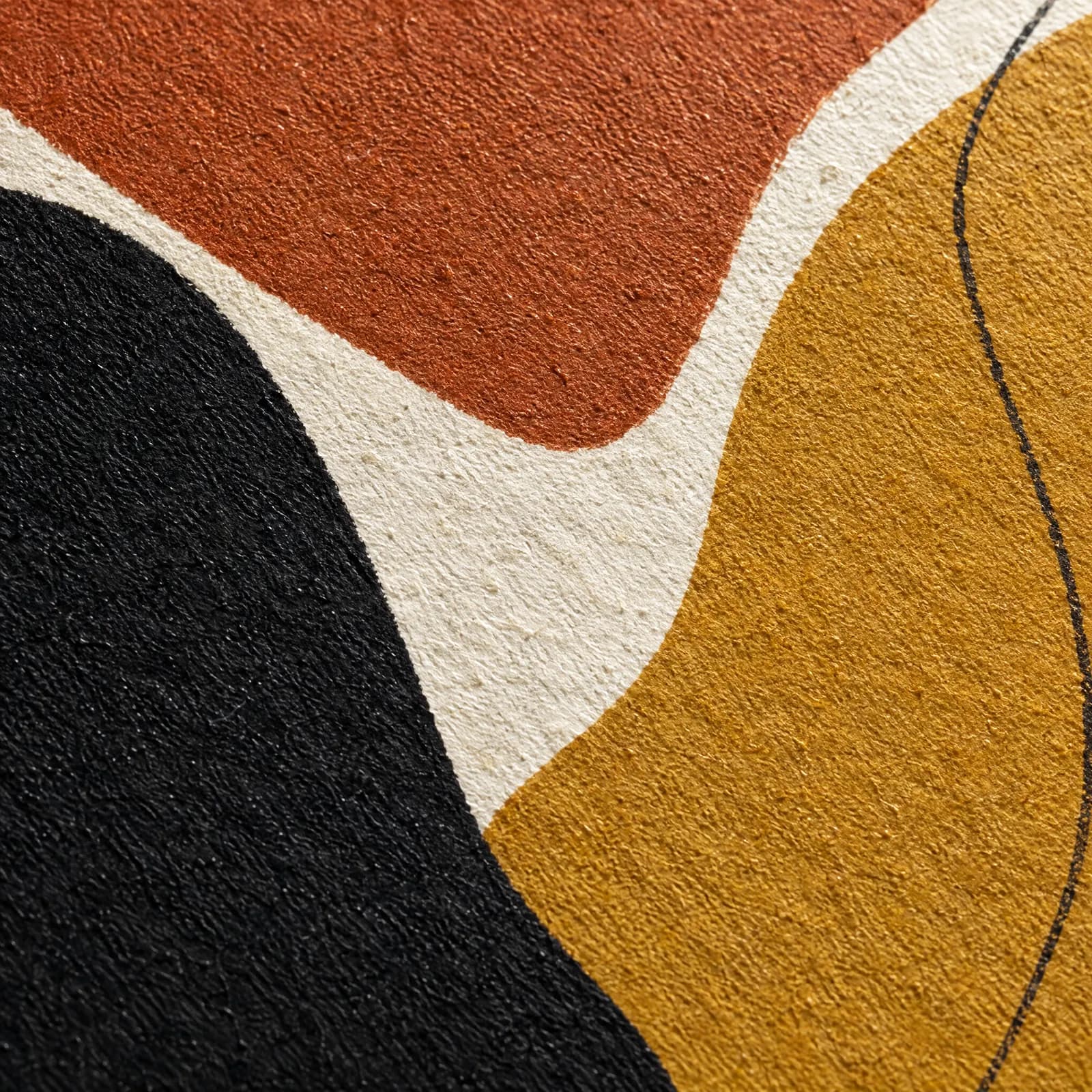
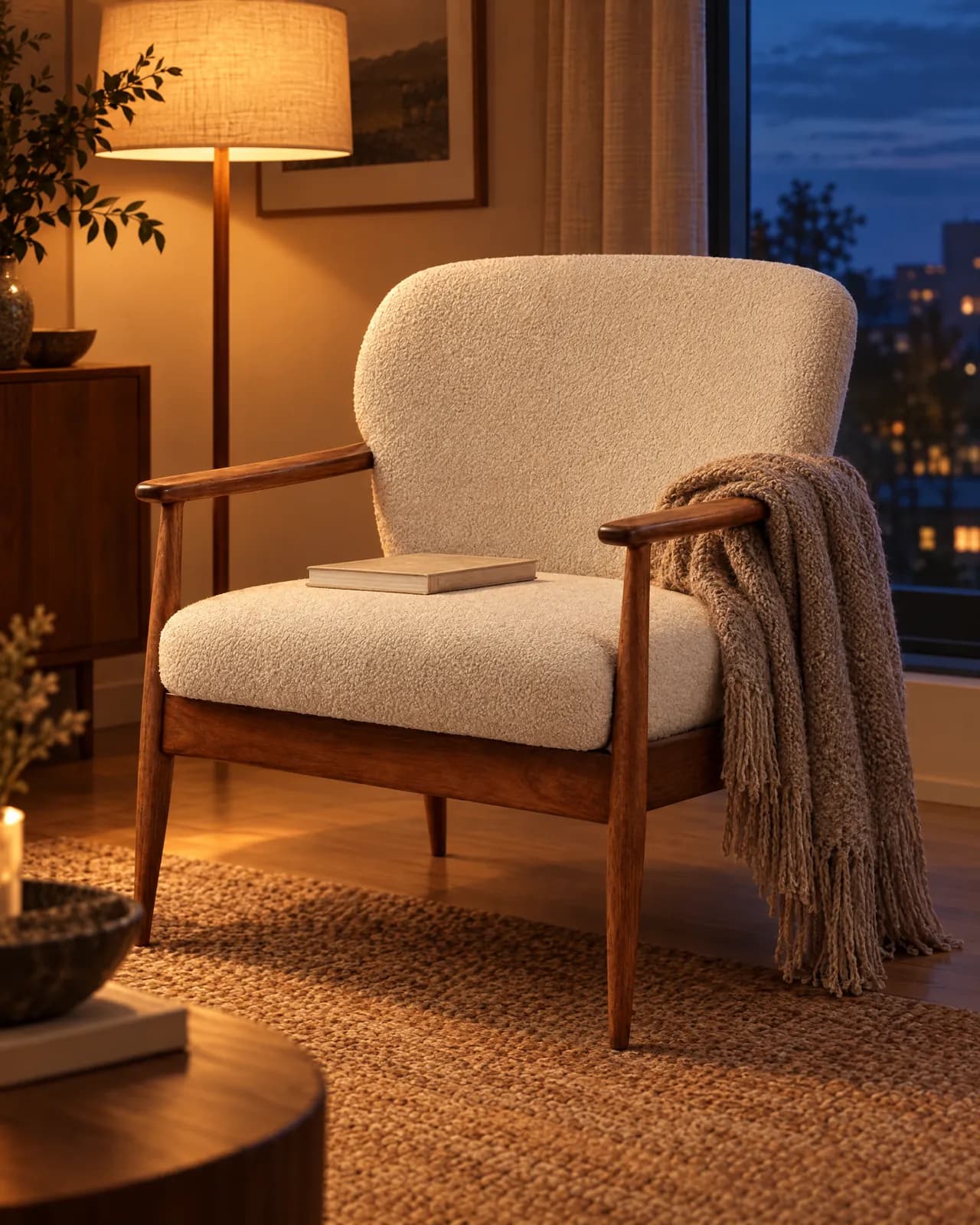
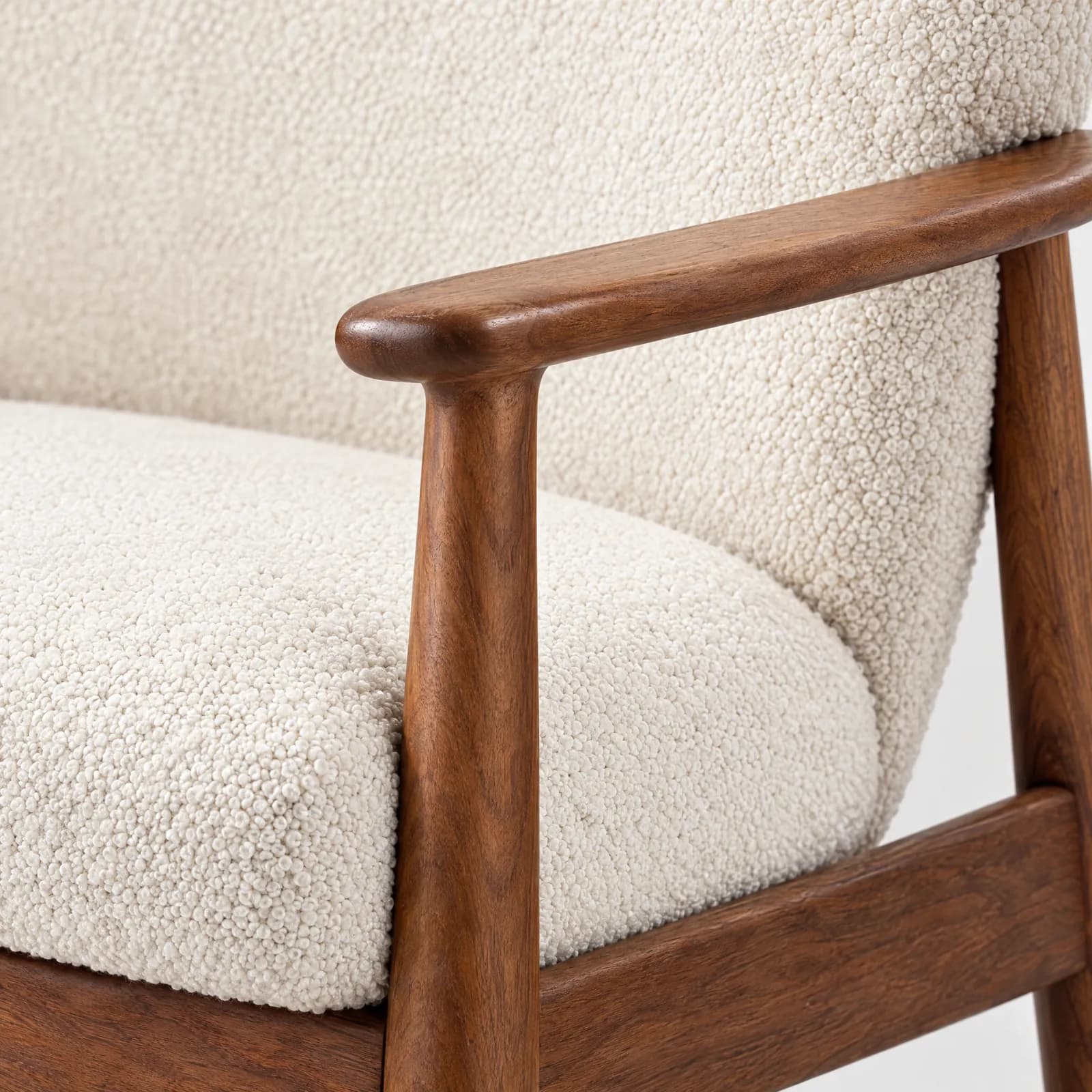
Write your own template with product, colour and model variables; everyone in your workspace can read and edit it.
Describe your models by age, body type, height, skin tone, hair and eye colour, and save them to your library; up to 30. 42% of shoppers don't feel represented by model imagery (S2); you don't have to fit diversity into one shoot day.
A portrait is made once; every shoot after that uses the same face and body. For a consistent brand face across a campaign.
The model stays a description; every shoot brings someone new who fits it. For variety and quick tests.
Models are created with AI and are not real people. "Same person" portraits are used only in your workspace.
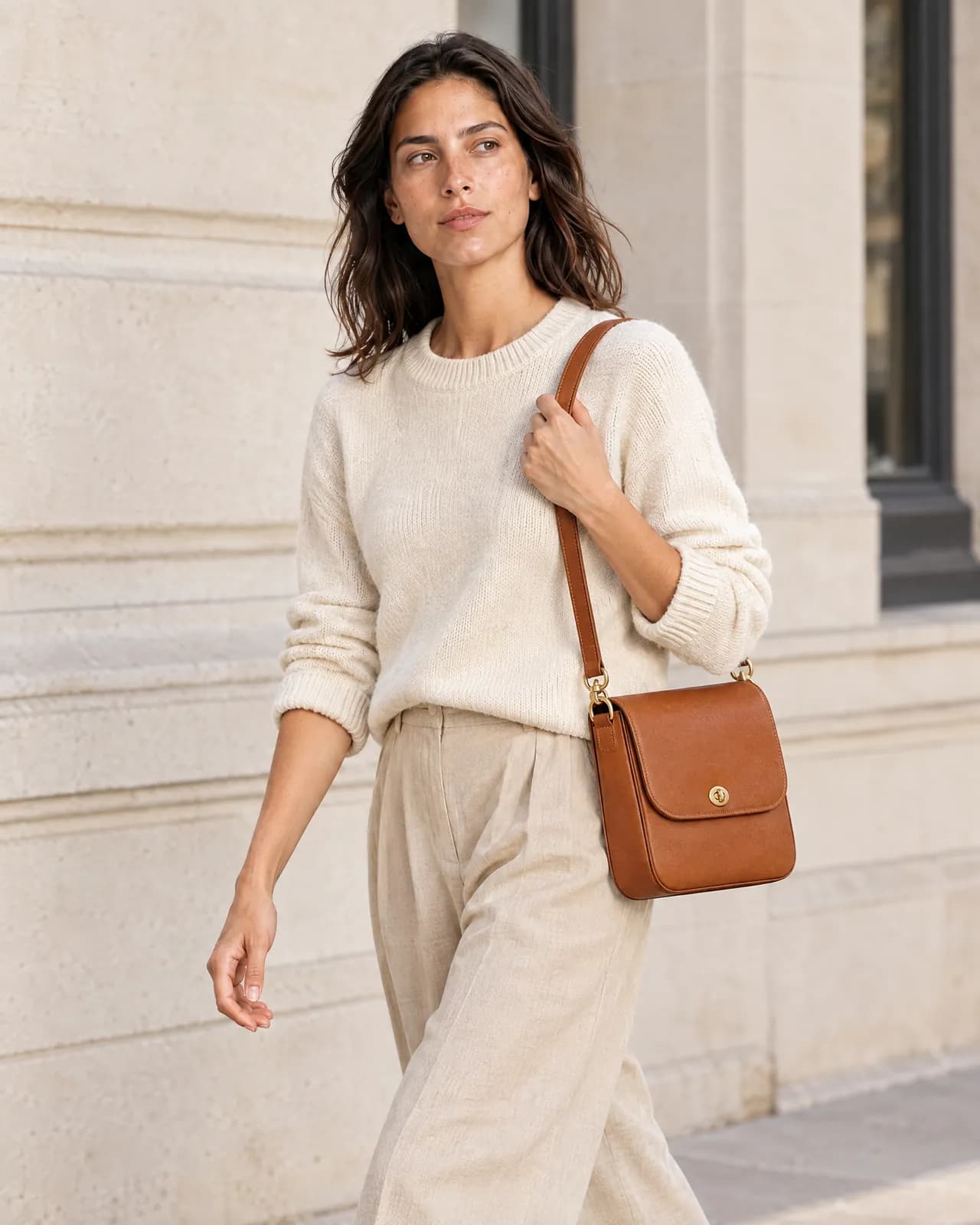
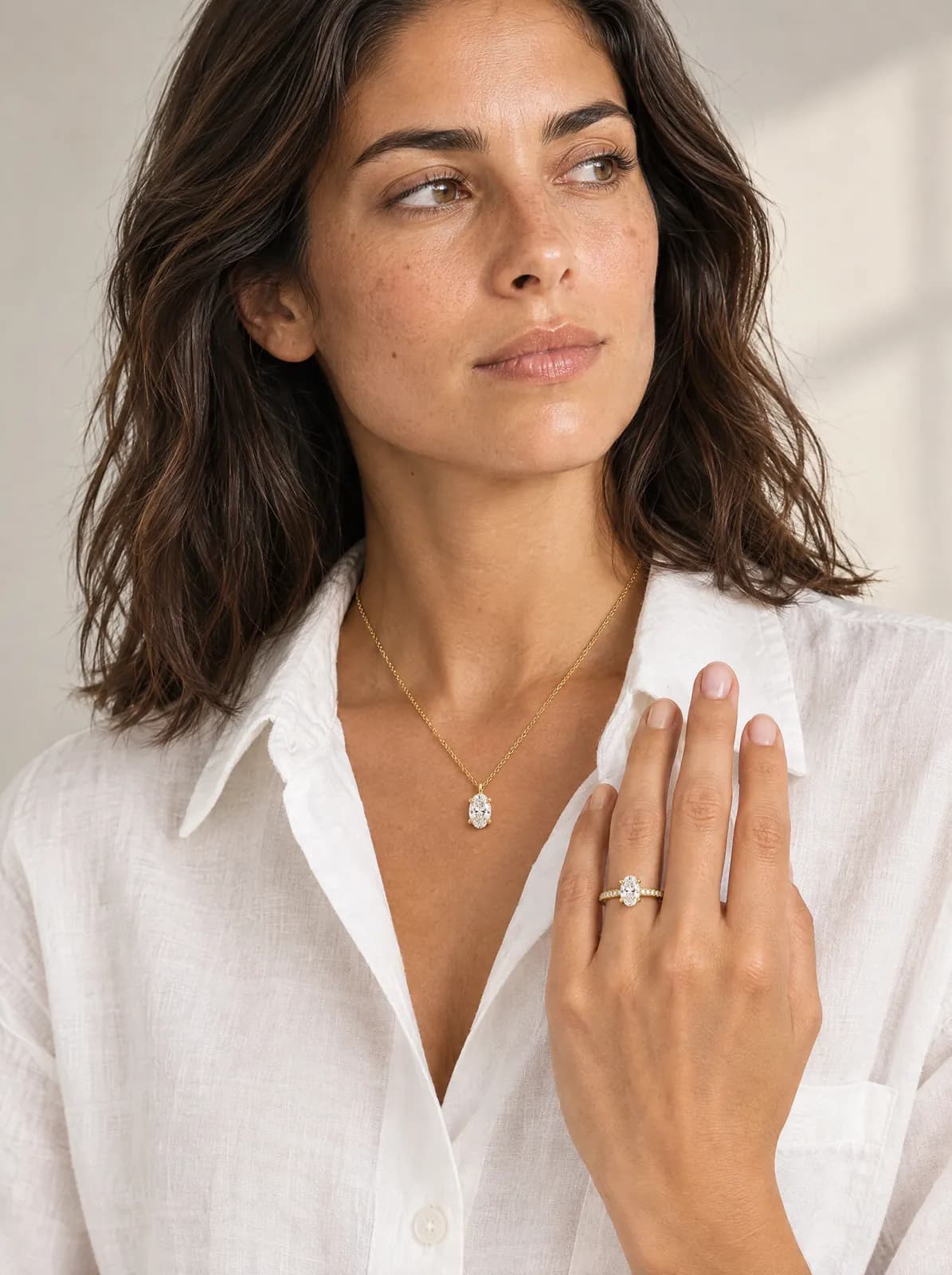
General-purpose image tools make beautiful pictures, but they reimagine the product: buttons multiply, stones shrink, prints drift, logos melt. In a catalogue, that's unacceptable. Try-On Studio builds every shoot on one rule: the scene changes, the product doesn't.
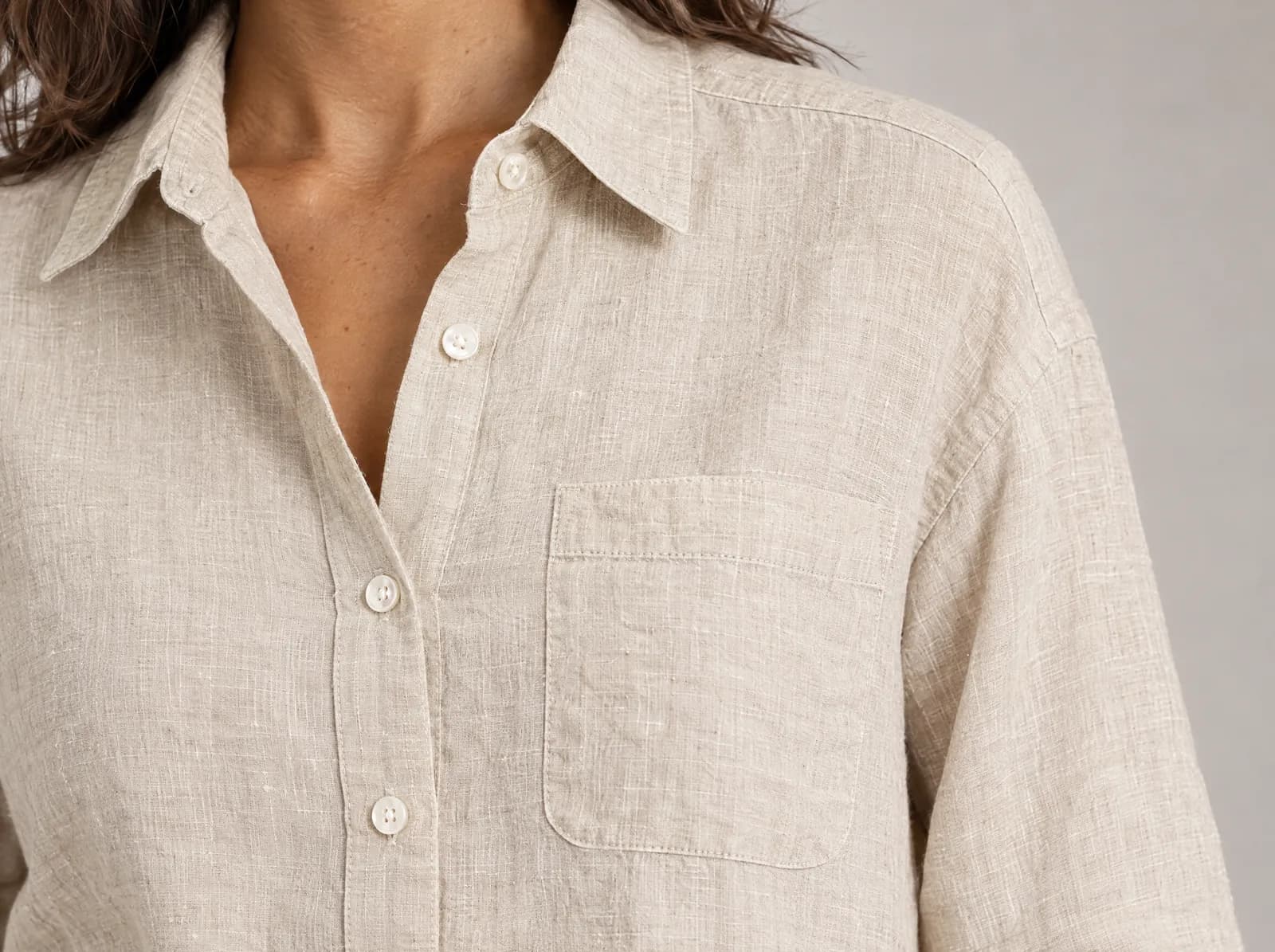
Before the shoot, it looks at the fine details: fabric and stitching, metal and stone cut, chain structure, stone count. The image is built on that reading.
Ask for a full-body walking shot of a tiny ring and the framing is corrected so the ring shows. Detail-heavy products go to a more precise model.
Contact shadows on skin, a 100 mm macro lens for rings, the right drop for a necklace, the right creases in fabric. Separate light and camera rules for each part of the body.
Every image is checked before it reaches you. Floating jewellery, a broken hand or lost fabric texture gets the image remade at no extra cost. If something fails technically, the credits come back automatically.
| Area | Rule |
|---|---|
| Hand | Contact shadow on skin, a 100 mm macro lens for rings, the right scale for the finger |
| Neck and ear | A necklace that falls with gravity, an earring sitting right on the lobe |
| Garment | Creases and drape that suit the fabric; stitching and buttons where they were |
| Bag | The right grip, shoulder and hand scale, the shine of the hardware |
Everyone has a personal workspace. To work together, create a team workspace and invite people by email. Credits, products and the gallery are shared.
| Owner | Admin | Member | Viewer | |
|---|---|---|---|---|
| Subscription and payment | ✓ | |||
| Invite members, set roles | ✓ | ✓ | ||
| Generate and export | ✓ | ✓ | ✓ | |
| View and download | ✓ | ✓ | ✓ | ✓ |
The form shows how many credits a generation takes before you press the button.
If something fails technically, that image's credit comes back automatically.
When credits run out, nothing is charged on its own: the Owner buys a credit pack or the plan renews.
A clear, well-lit photo where the whole product is visible: on a hanger, a mannequin or a flat surface. JPG, PNG or WEBP, up to 15 MB per photo.
You choose 1 to 8 images for each generation. Each image costs 1 credit, or 2 credits on Best quality.
Yes. Write templates with product, colour and model variables; everyone in your workspace can read and edit them.
Use that image as the base and give a new instruction. Scene, model and light stay; only what you ask for changes.
Yes. A transparent or pure white background is 1 credit; the result is added to the product as a new photo and the original stays.