Cost
Every frame is a budget line
With studio, model, crew and retouching, one finished on-model image costs an estimated $25 to $250.
Industry estimate (S7)
Try-On Studio by Try-On Vision
Turn the product photos you already have into on-model, lifestyle and editorial campaign images. The stitching, the stones, the print and the texture stay as they are. No studio, no model agency, minutes instead of weeks, for one product or your entire catalogue.
10 free credits · No credit card · Failed images refunded · English and Turkish
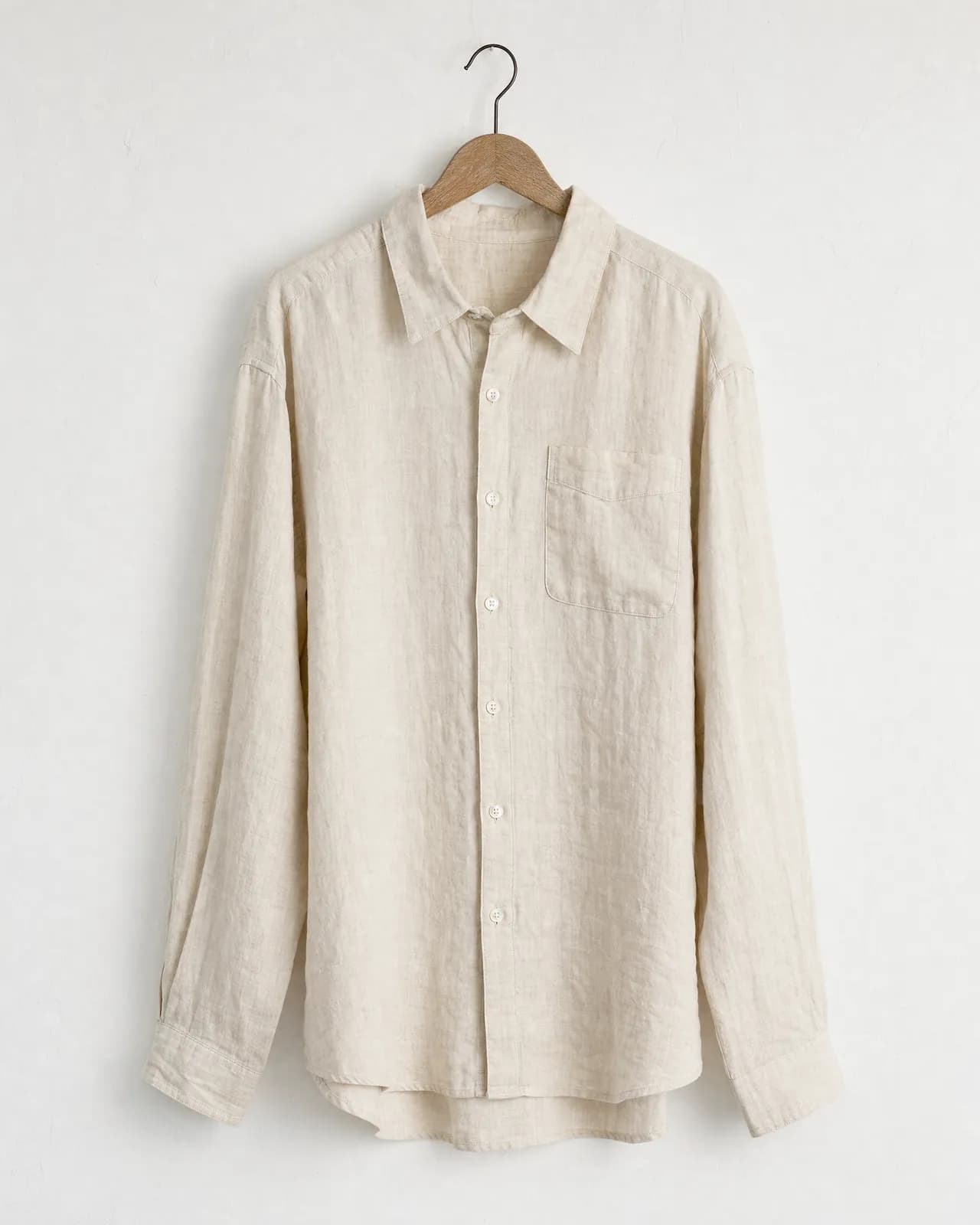
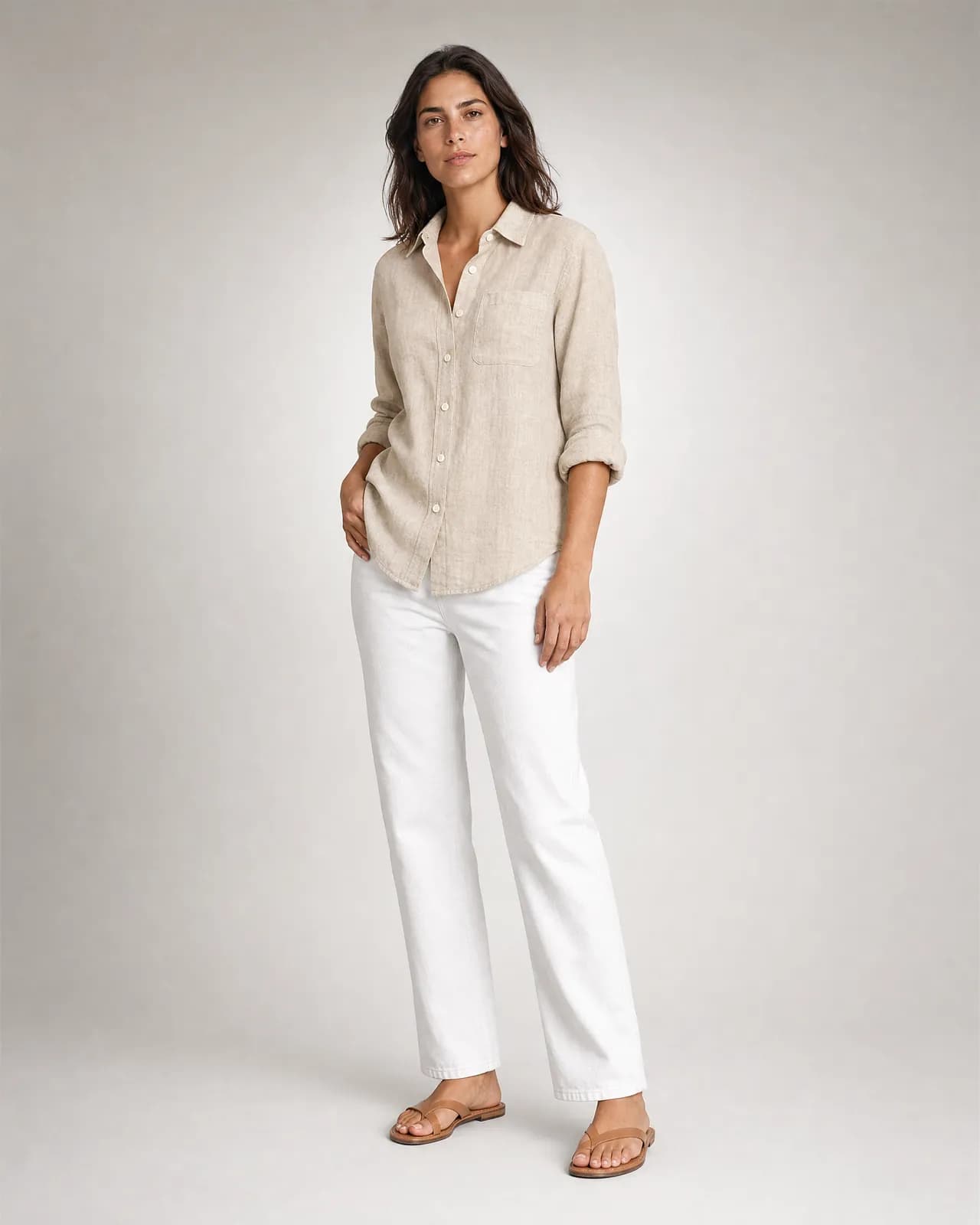
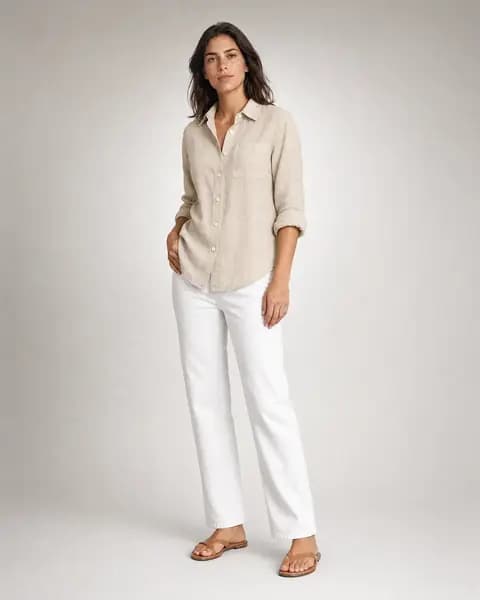
A product photo on the left, a result image on the right. Pick a category to see one.
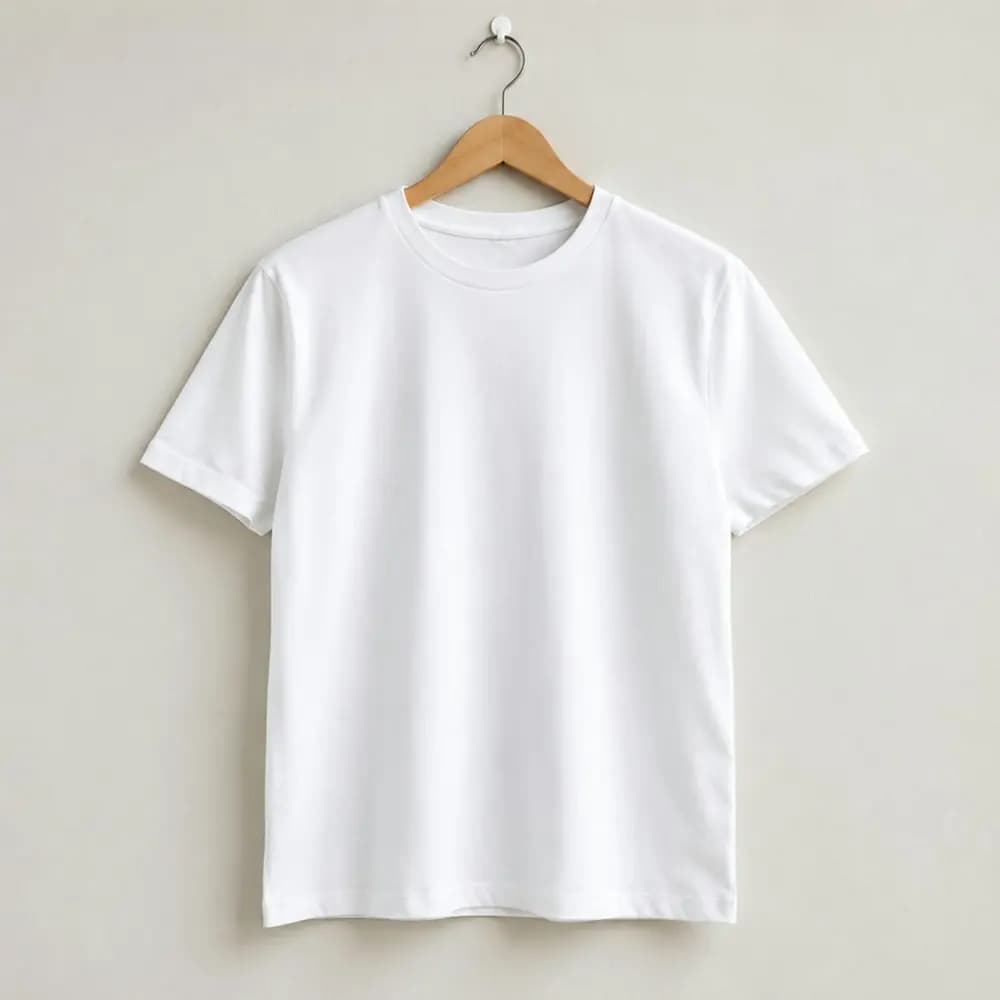
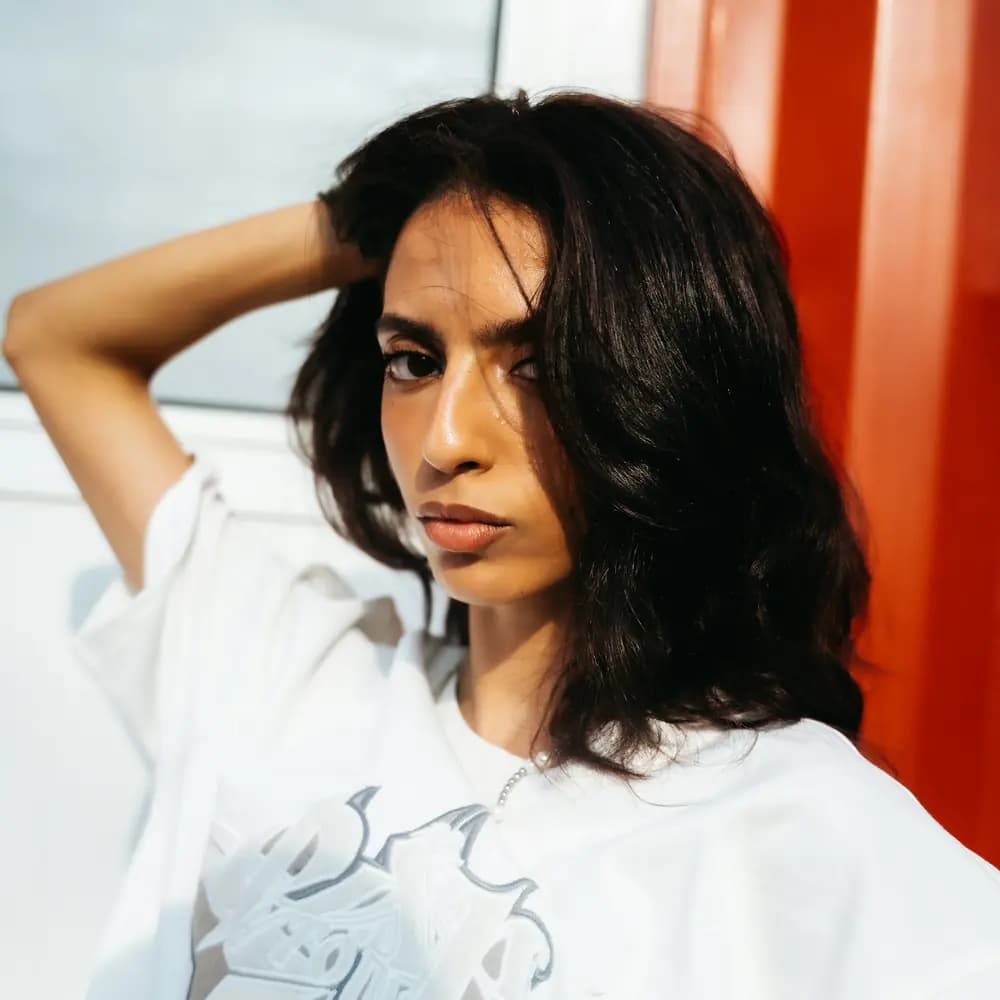
Every new product means samples, a studio, a photographer, a model, a stylist, retouching and a calendar measured in weeks. Adding a colour, delivering a new marketplace format or trying a different scene usually means shooting again.
Cost
With studio, model, crew and retouching, one finished on-model image costs an estimated $25 to $250.
Industry estimate (S7)
Time
From sample to launch takes weeks. Meanwhile the product sells with a weak image, or not at all. Adding a colour restarts the calendar.
Impact
59% of shoppers say they were disappointed because a product looked different on them than expected. Online apparel returns run at 24.4%.
Google/Ipsos 2023 (S2) · Coresight 2023 (S1)
One product photo on the left, every scene it can become on the right. The shot type, ratio and model are listed under each image, so you can try the same setup on your own product.
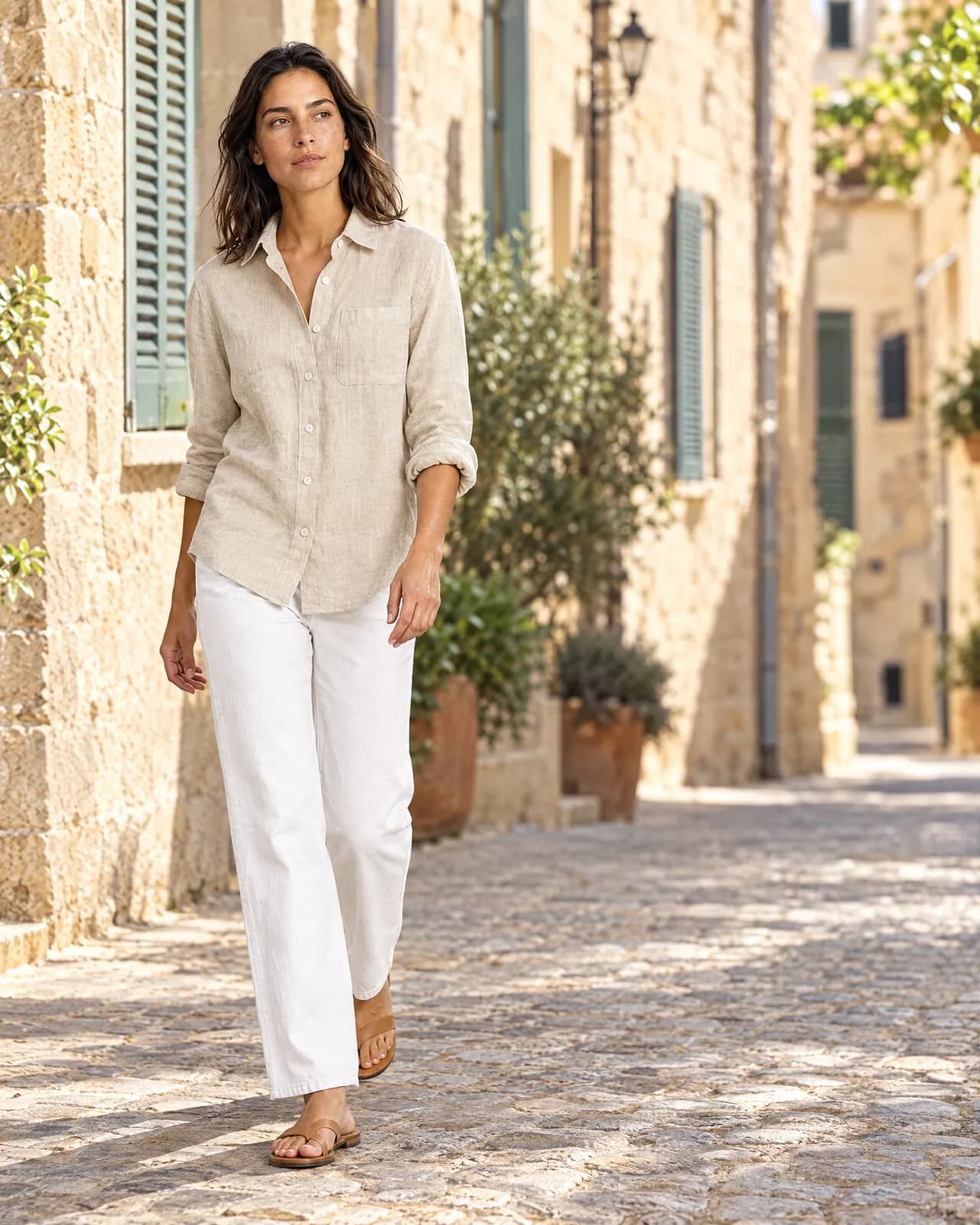

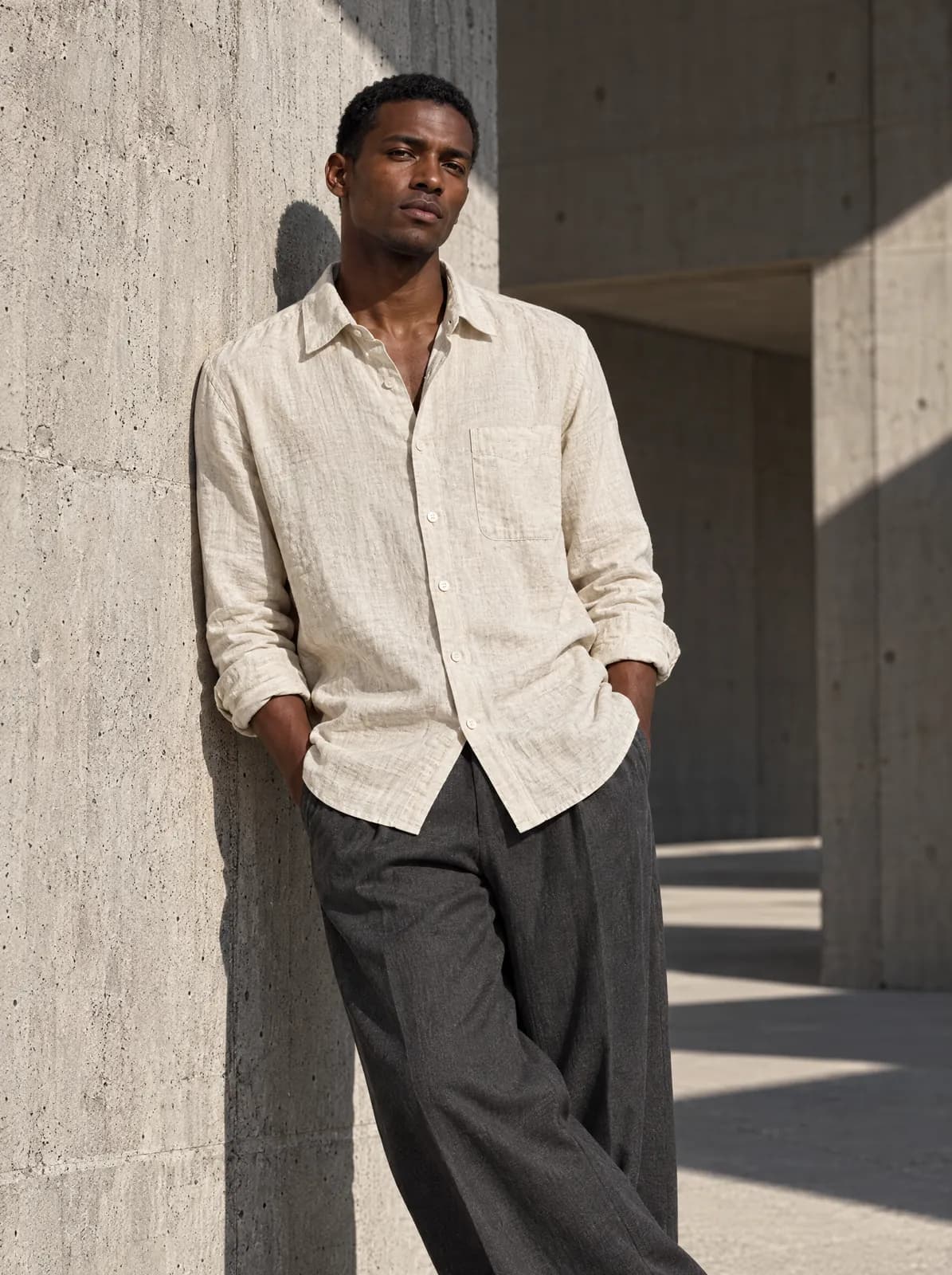
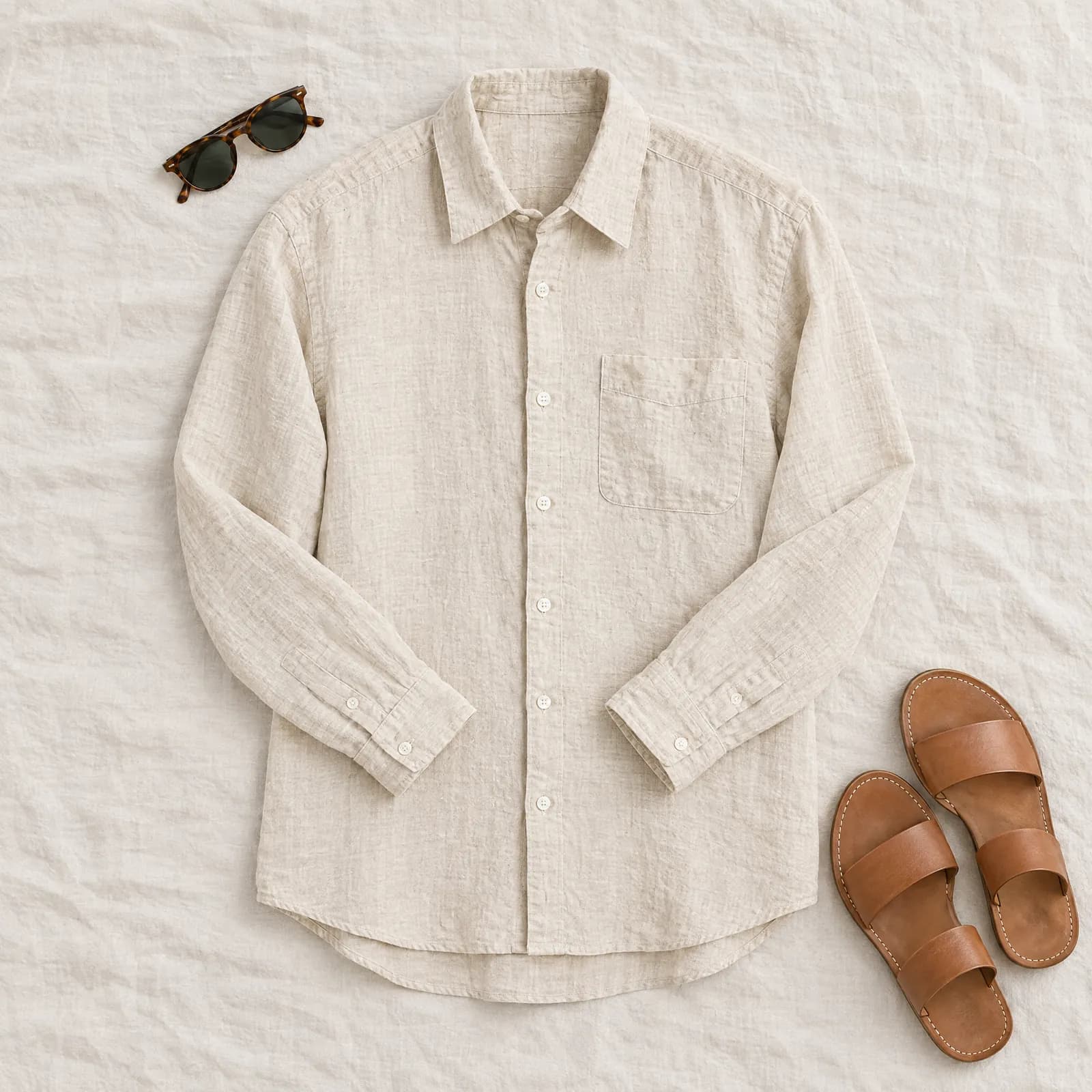
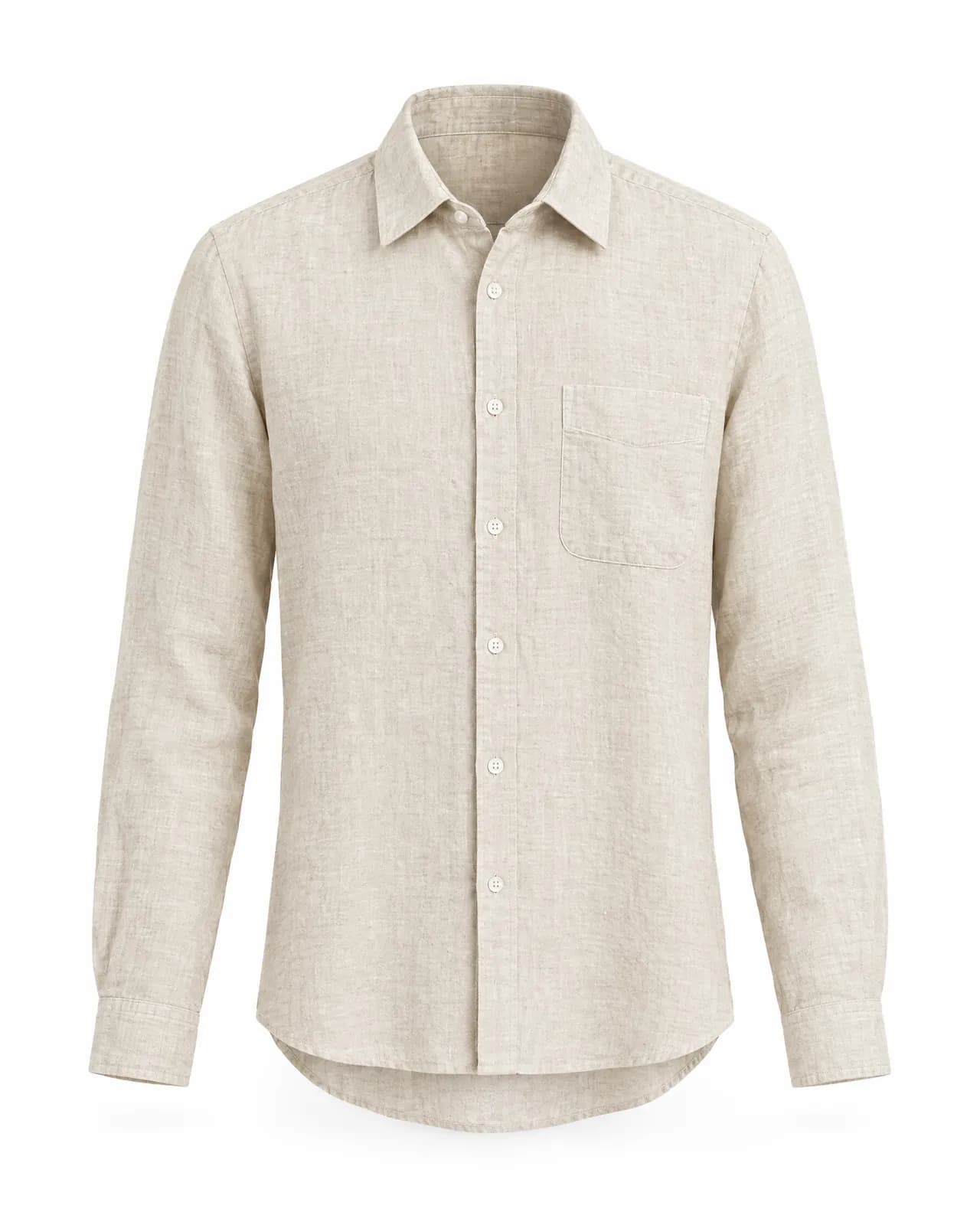
Drag and drop your product photos, up to 100 at once. Each colour or size is saved as a variant; product names come from the file names. An ordinary photo on a hanger, a mannequin or a flat surface is enough.
Pick one of the shot types made for your product's category, assign a saved model, and add a short instruction or up to three style references if you like. You see how many credits it will take before you generate.
Images land in your gallery. Favourite the ones you like, download them as a ZIP, import them into your store with a Shopify product CSV, or review them with your team through a share link that expires.
Choose a category and explore the settings.
General-purpose image tools make beautiful pictures, but they reimagine the product: buttons multiply, stones shrink, prints drift, logos melt. In a catalogue, that's unacceptable. Try-On Studio builds every shoot on one rule: the scene changes, the product doesn't.
Before the shoot, it looks at the fine details: fabric and stitching, metal and stone cut, chain structure, stone count. The image is built on that reading.
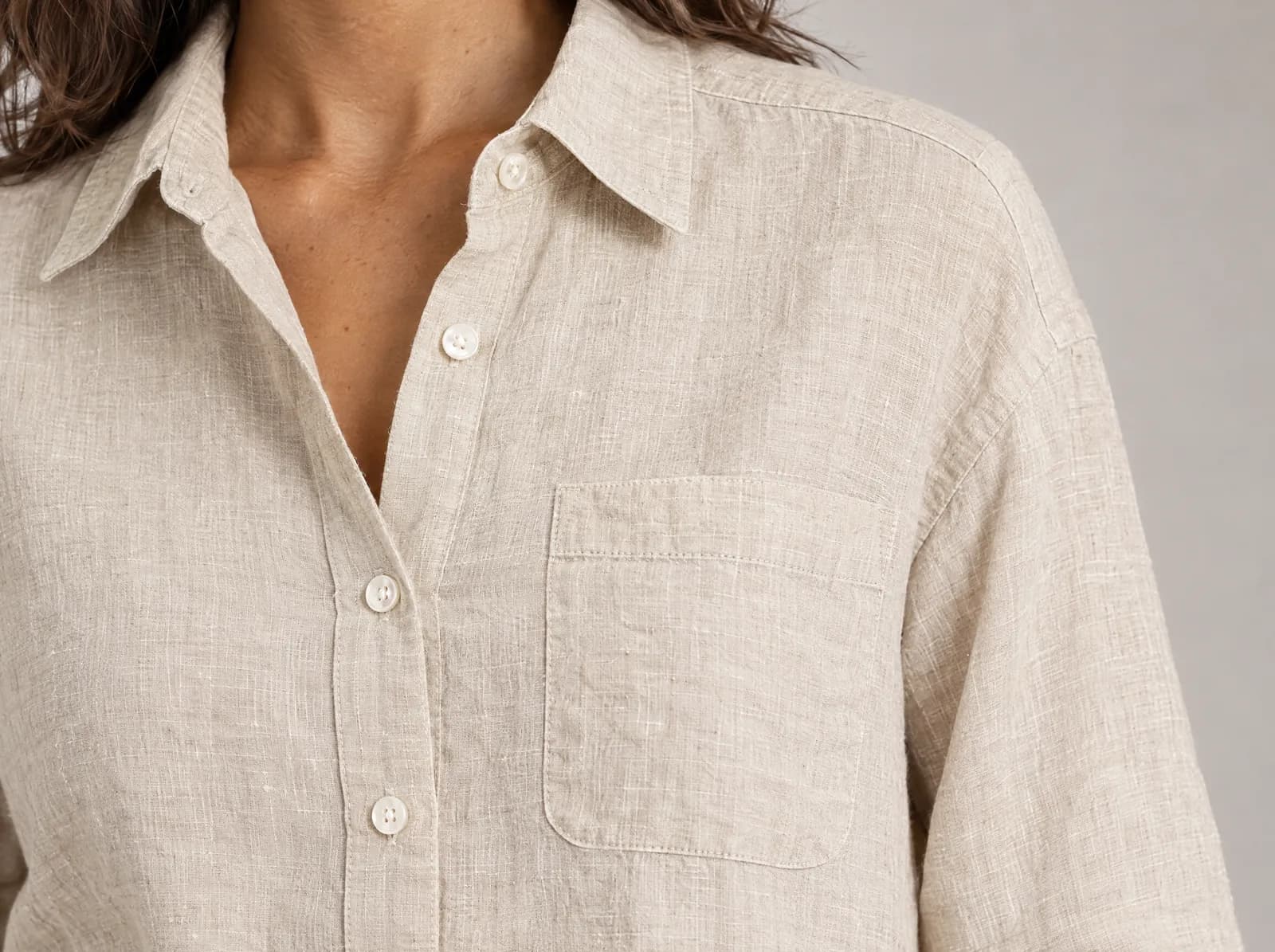
Ask for a full-body walking shot of a tiny ring and the framing is corrected so the ring shows. Detail-heavy products go to a more precise model.
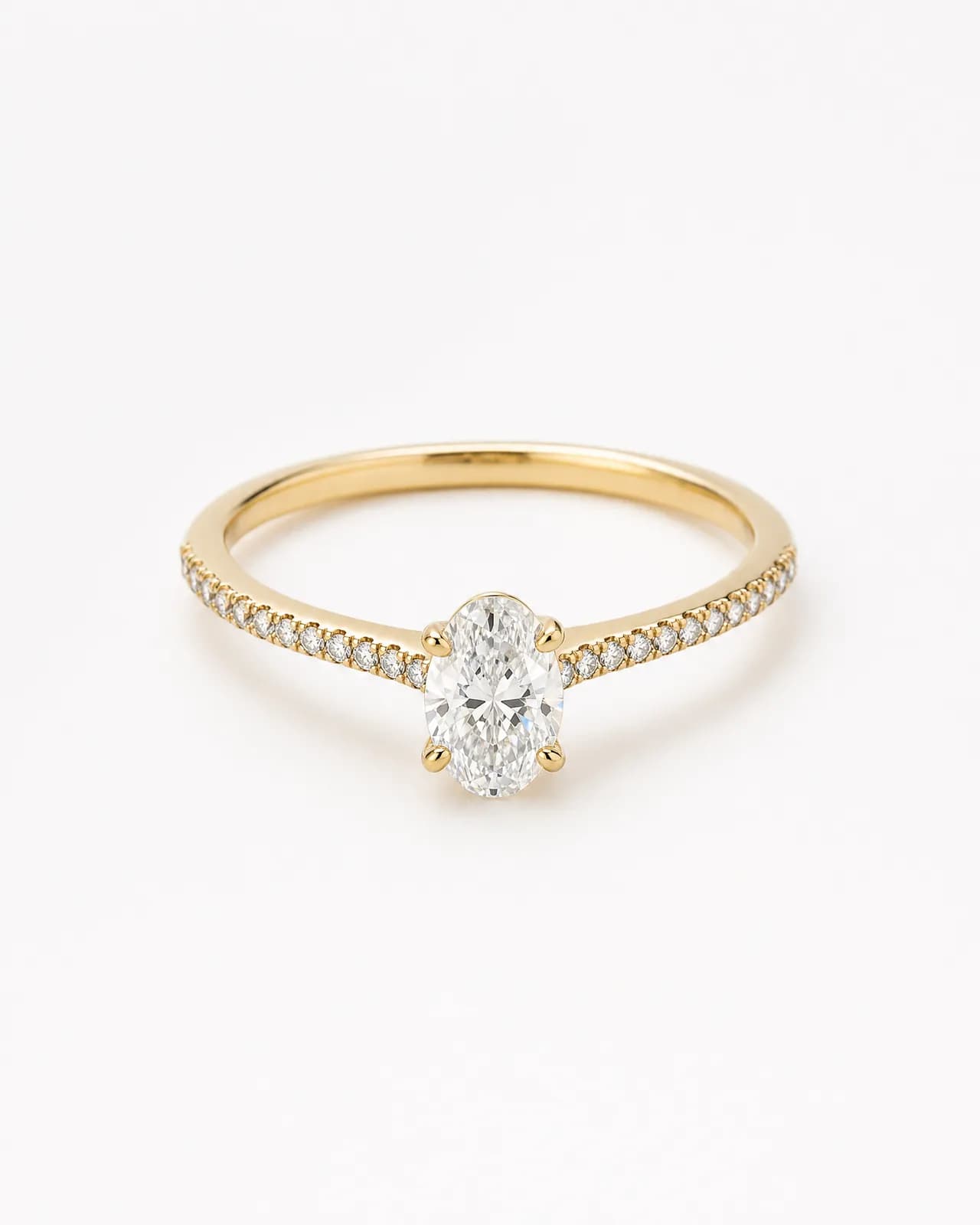
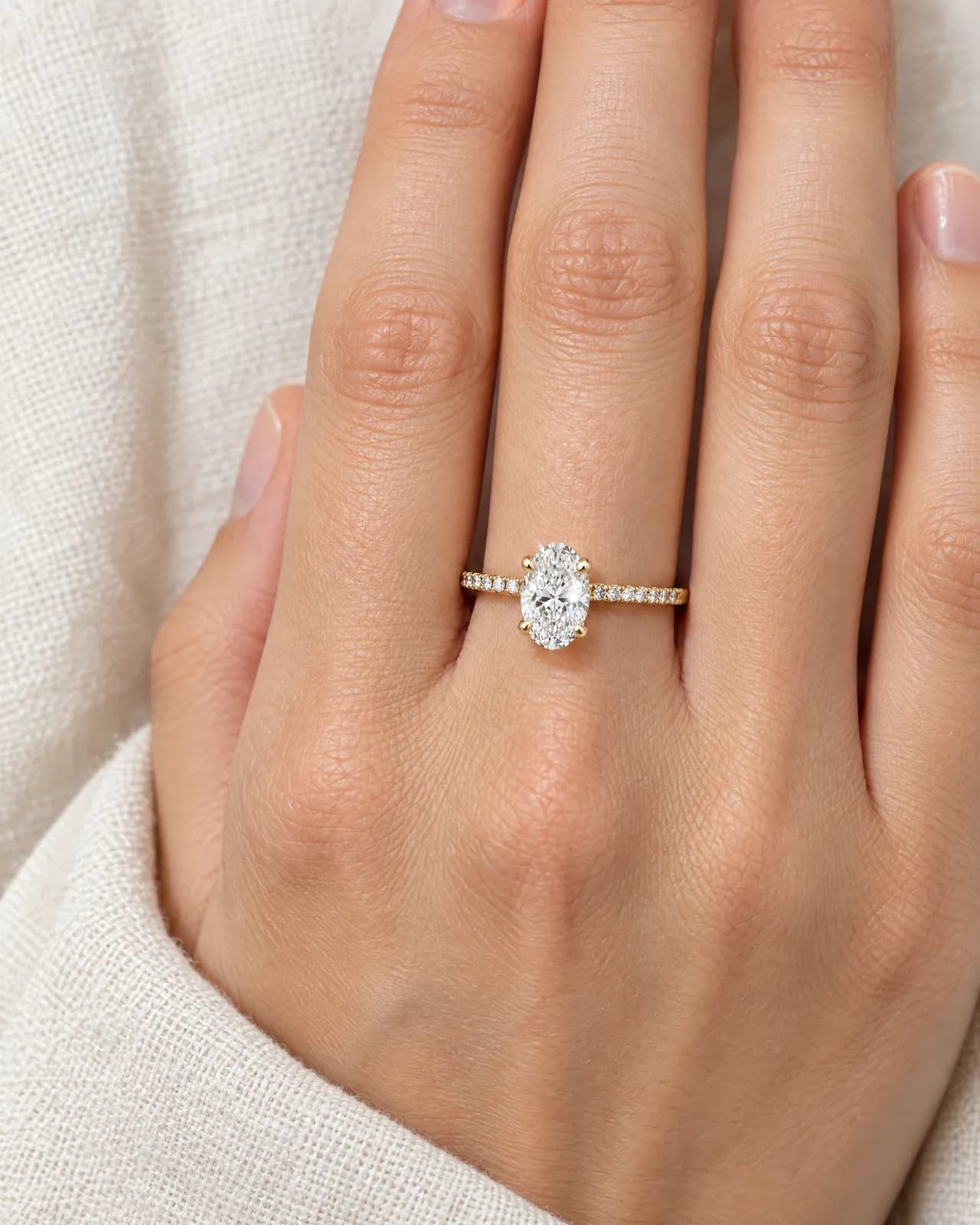
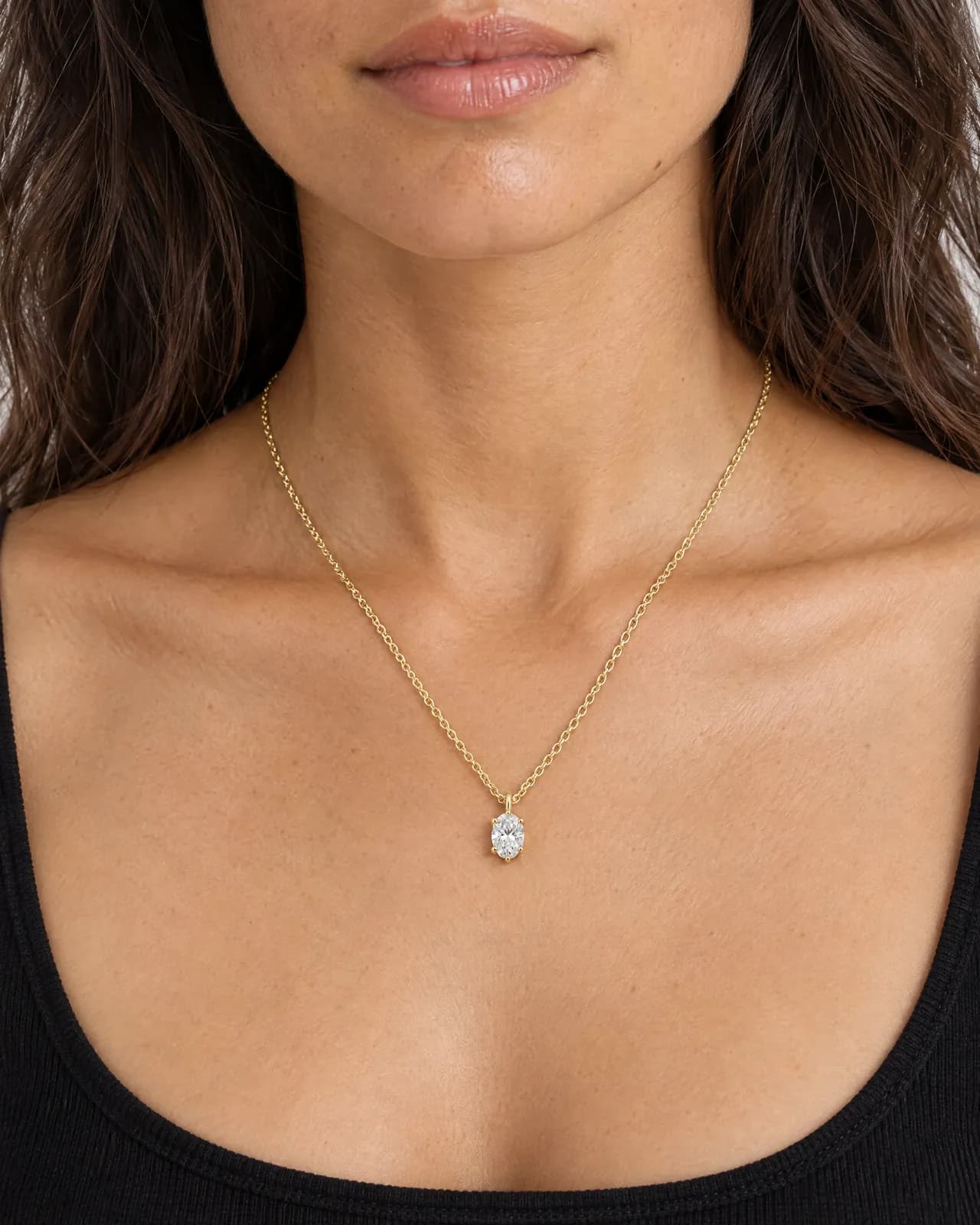
Contact shadows on skin, a 100 mm macro lens for rings, the right drop for a necklace, the right creases in fabric. Separate light and camera rules for each part of the body.
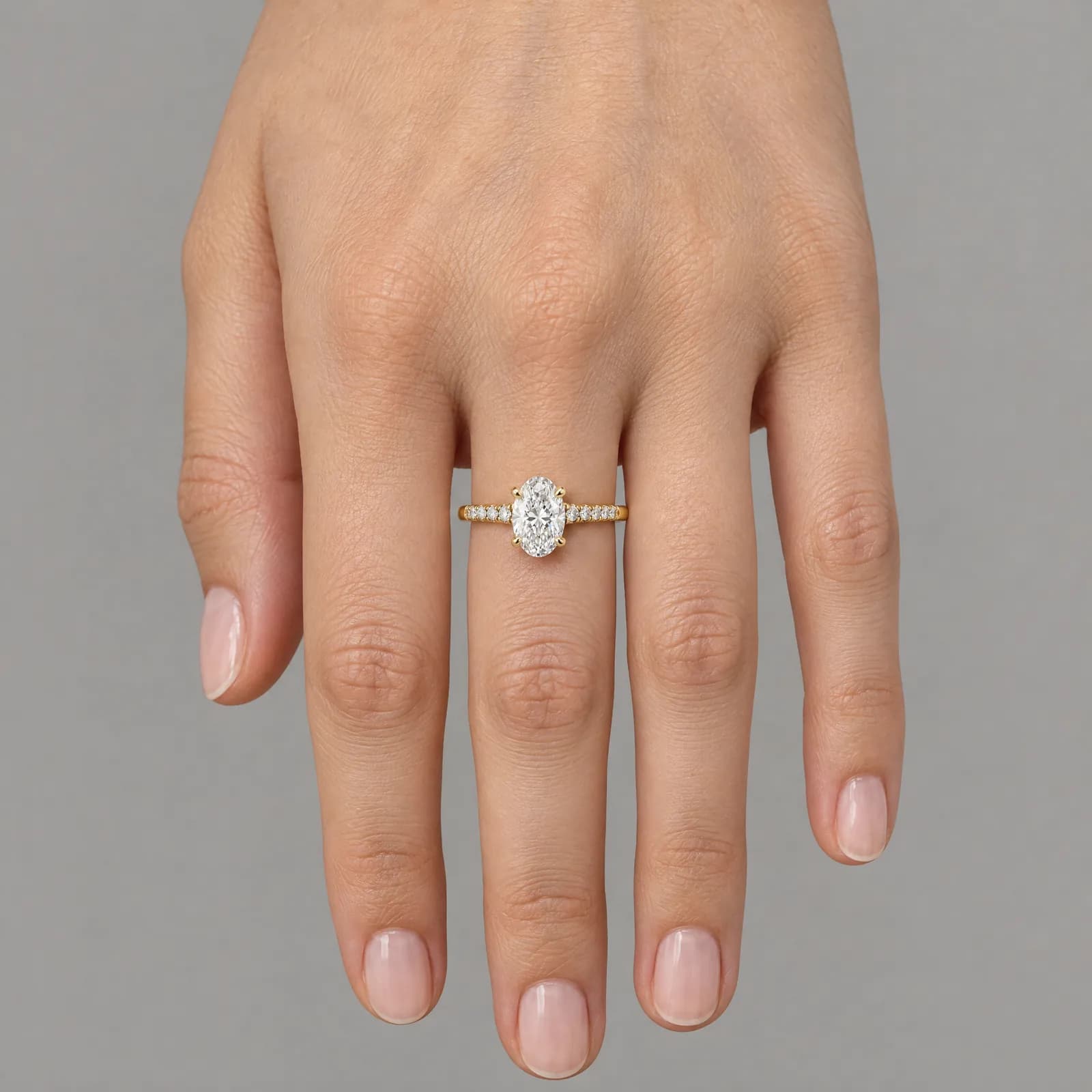
Every image is checked before it reaches you. Floating jewellery, a broken hand or lost fabric texture gets the image remade at no extra cost. If something fails technically, the credits come back automatically.
Model library
Build your own model library by age, body type, height, skin tone, hair and eye colour. "Same person" keeps the same face and body in every shoot; "different person" brings someone new who fits the description each time. Up to 30 models.
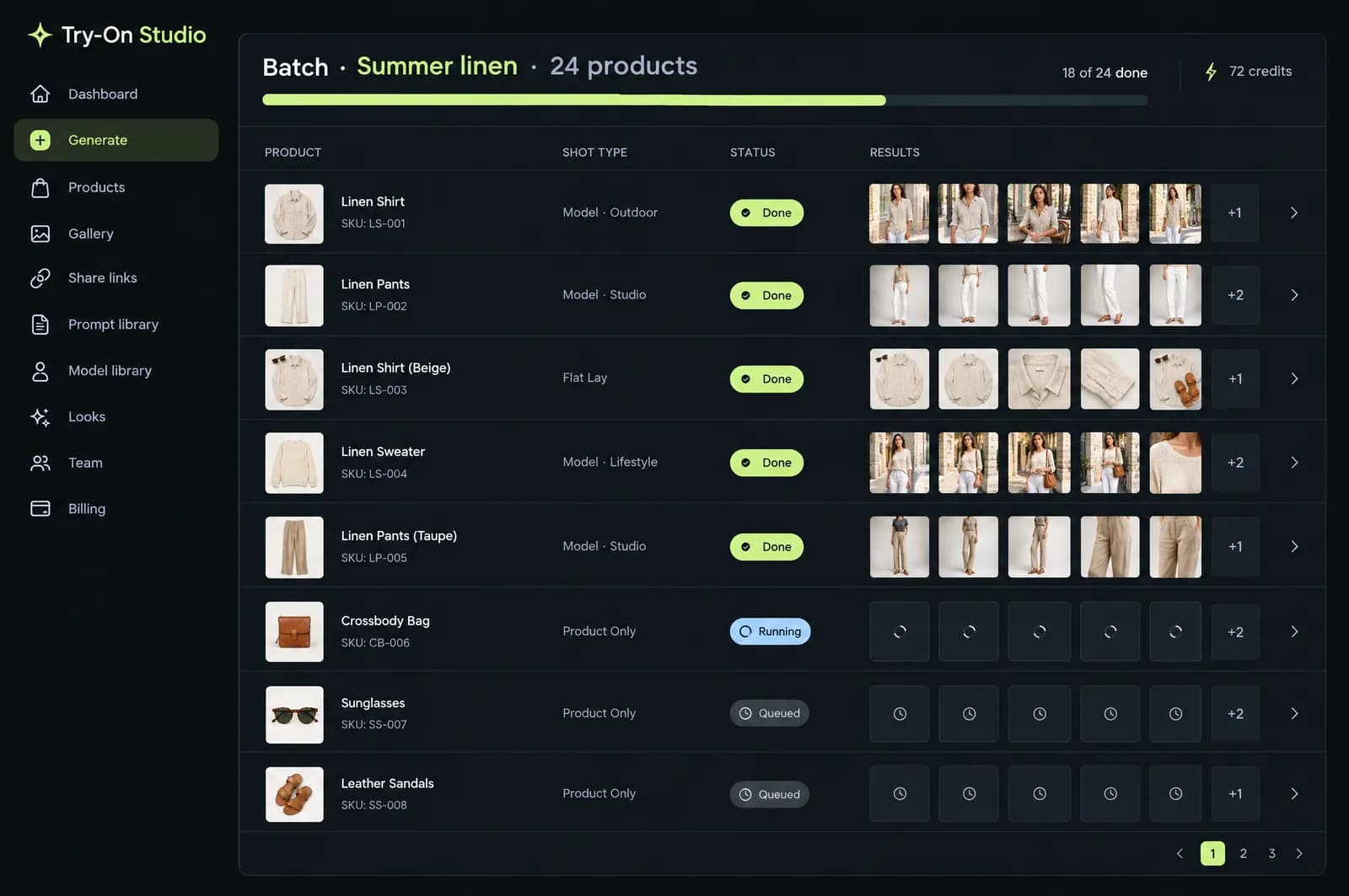
Batch generation
Start a batch for up to 50 products or variants and get 1 to 8 images per photo. Each batch has its own page to follow.
Keep a scene you like and place the product's other colours into the same frame with one click.
Use a result as the base: scene, model and light stay; only what you ask for changes.
More than 40 shot types made for each category. Write your own templates with product, colour and model variables.
Transparent or pure white backgrounds for marketplace main images.
Share links that expire, with optional downloads and a view count.
ZIP, a generic CSV and the Shopify product import CSV.
Owner, Admin, Member and Viewer roles; shared credits and gallery.
Fashion brands
On-model studio, street and editorial shots with the same model, in every colour.
Fashion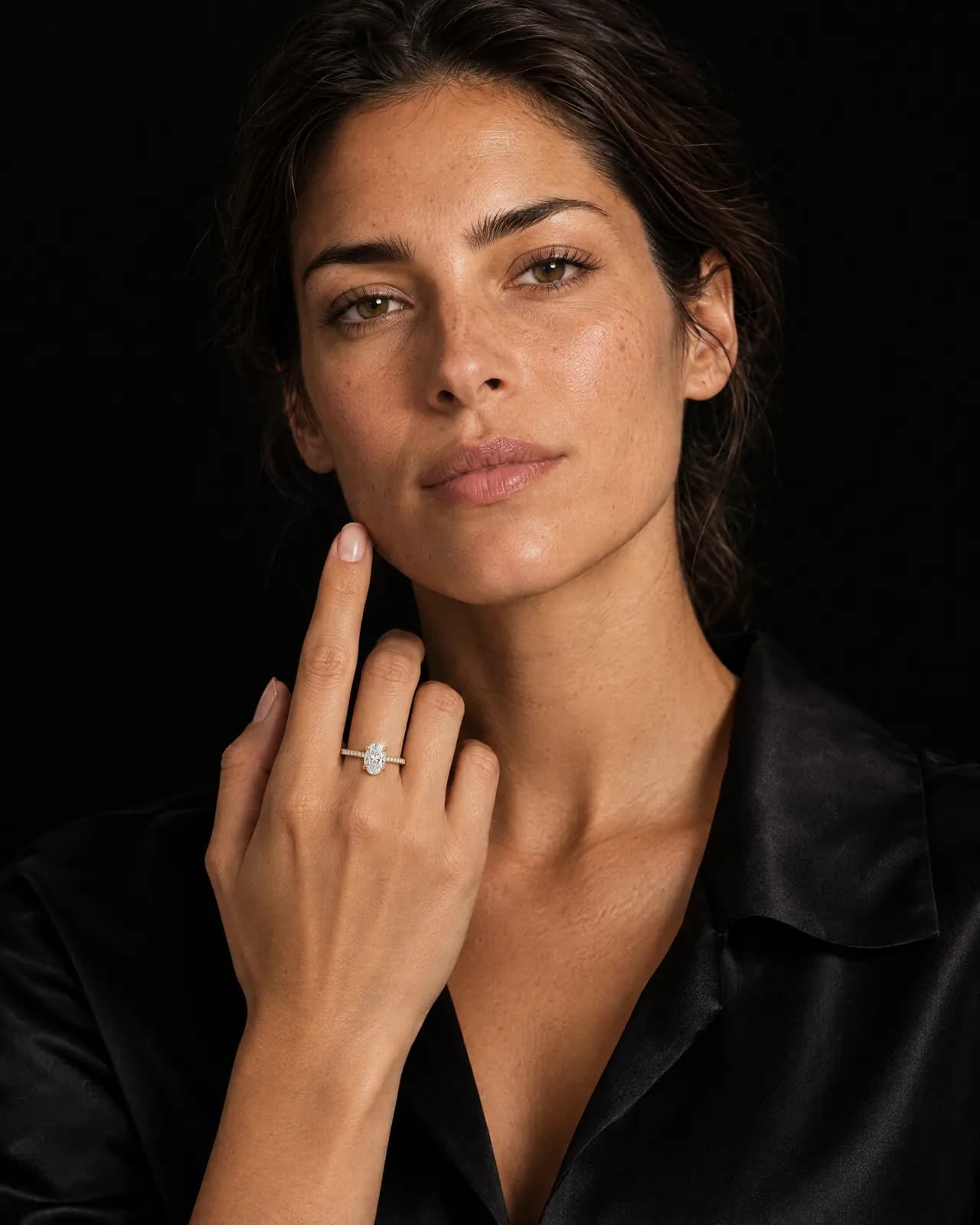
Jewelry
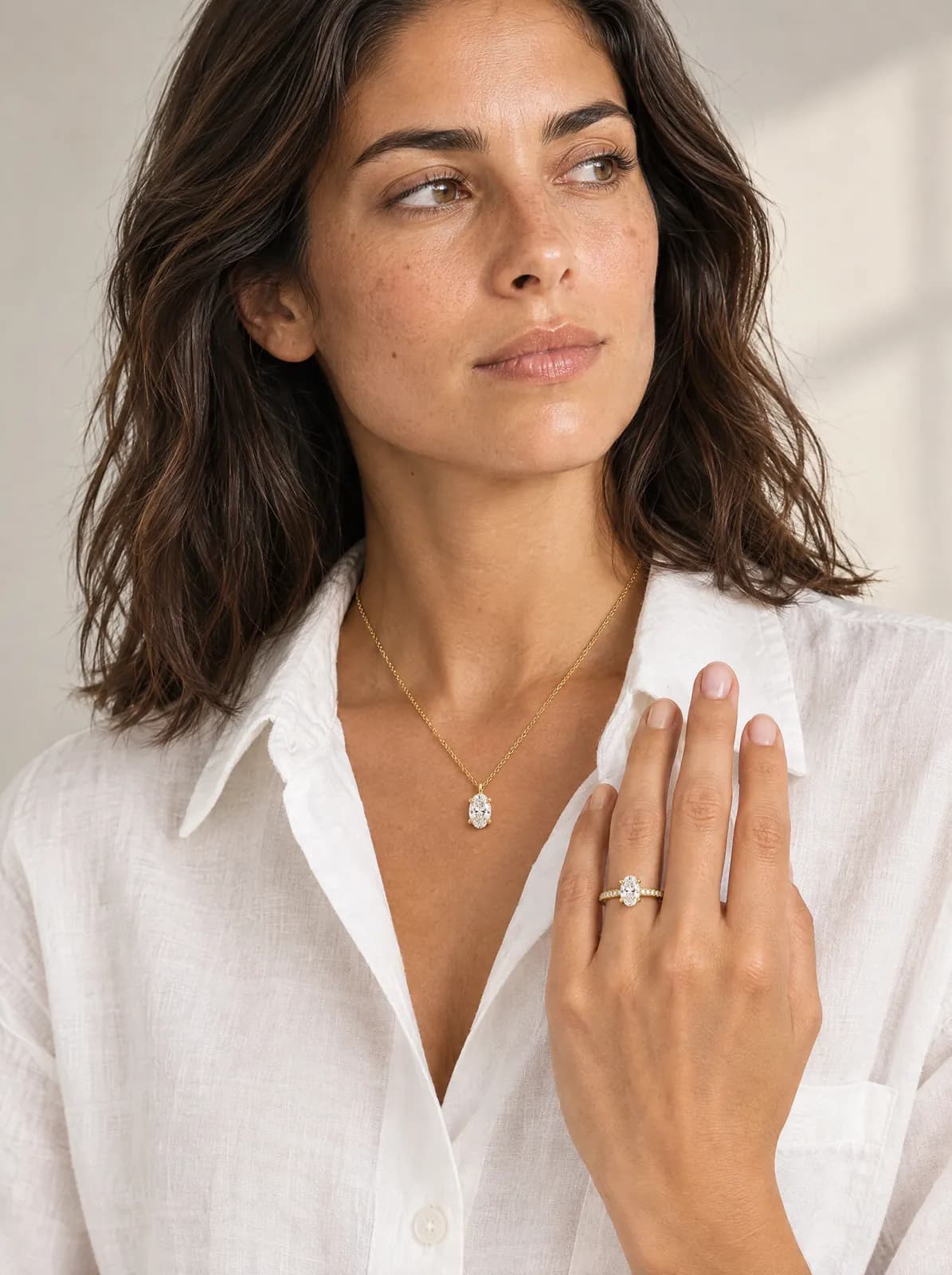
From macro packshots to luxury campaigns, the light of the stone and the texture of the metal stay.
JewelryBags and accessories
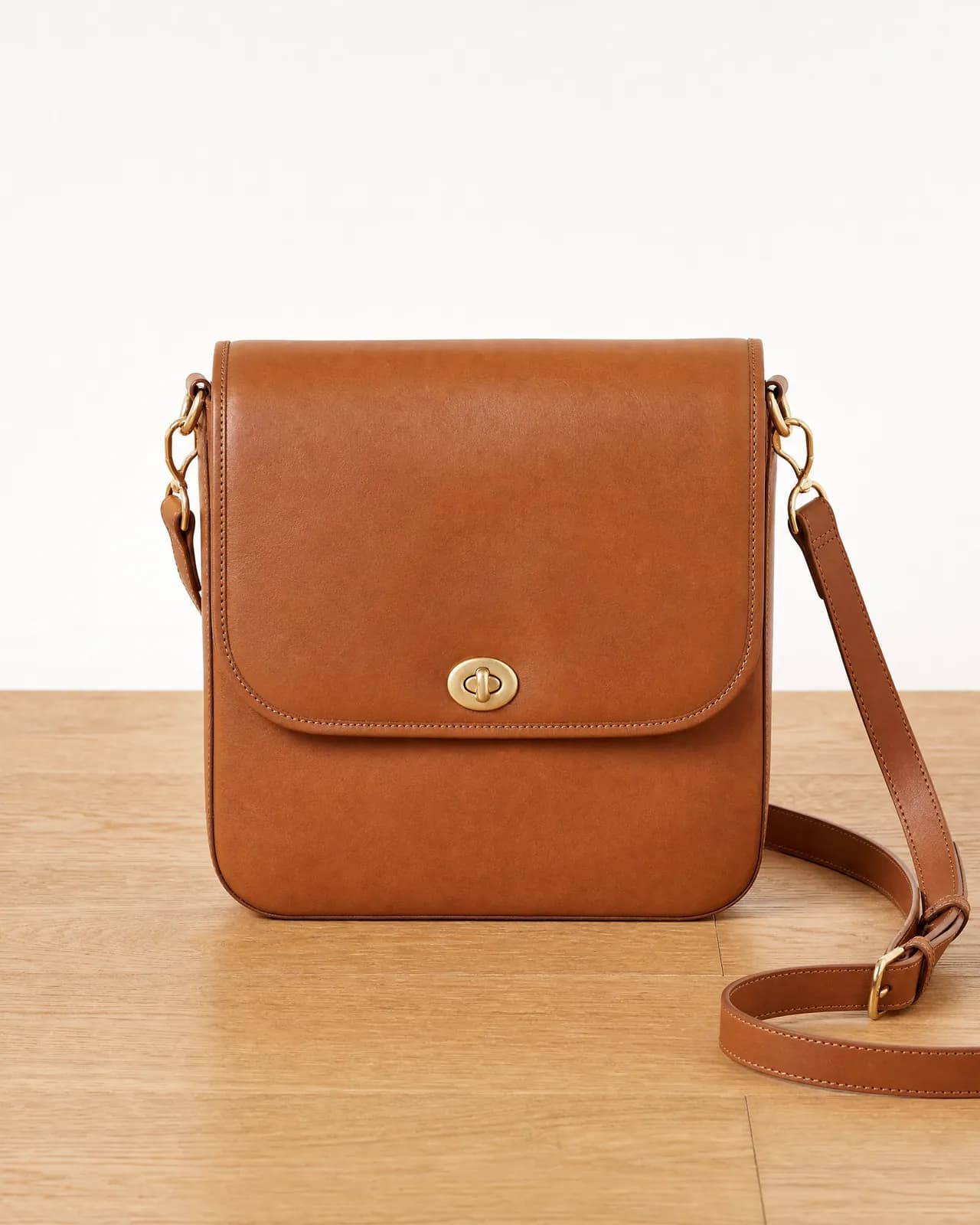
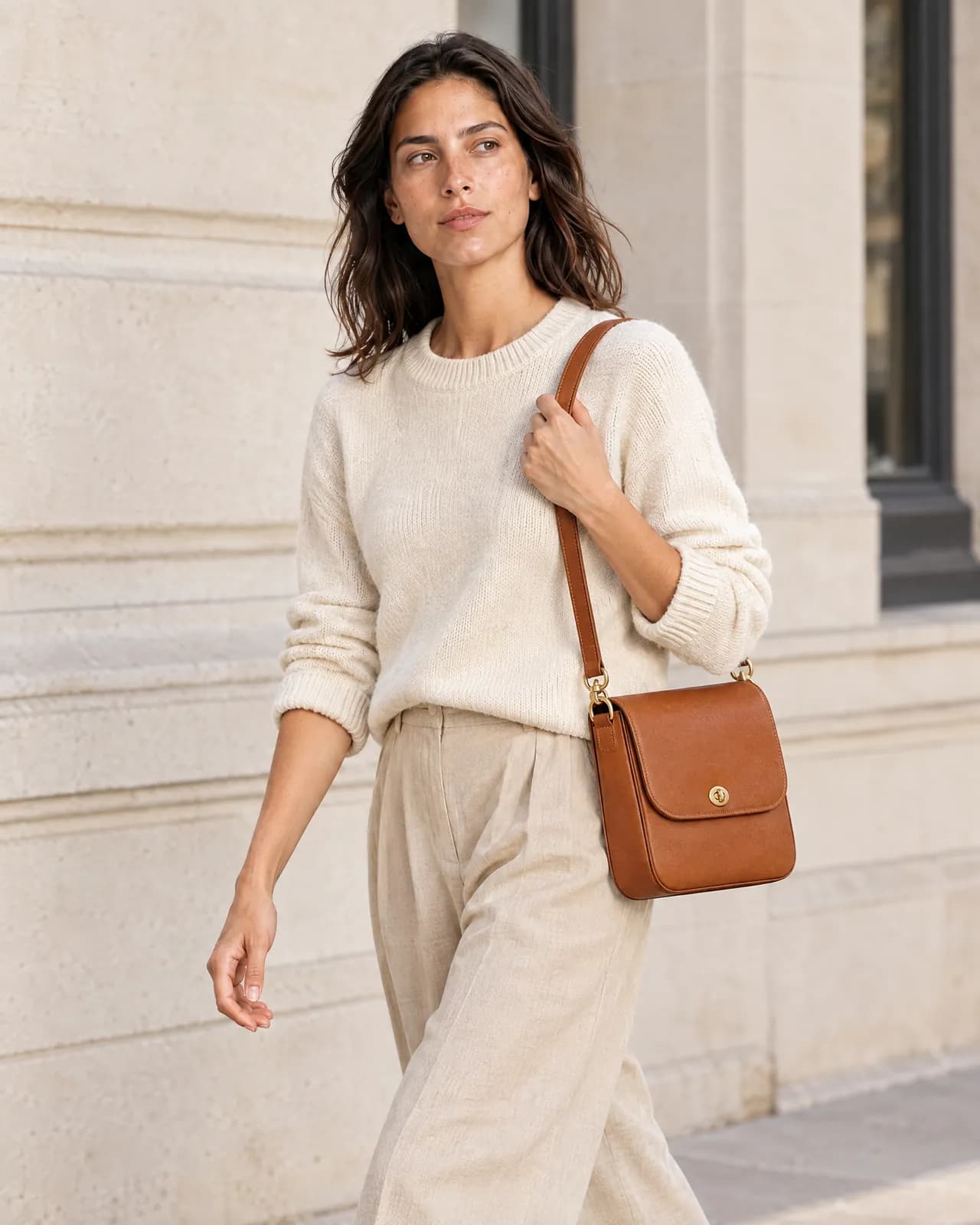
Show the product at its real scale, in use.
Accessories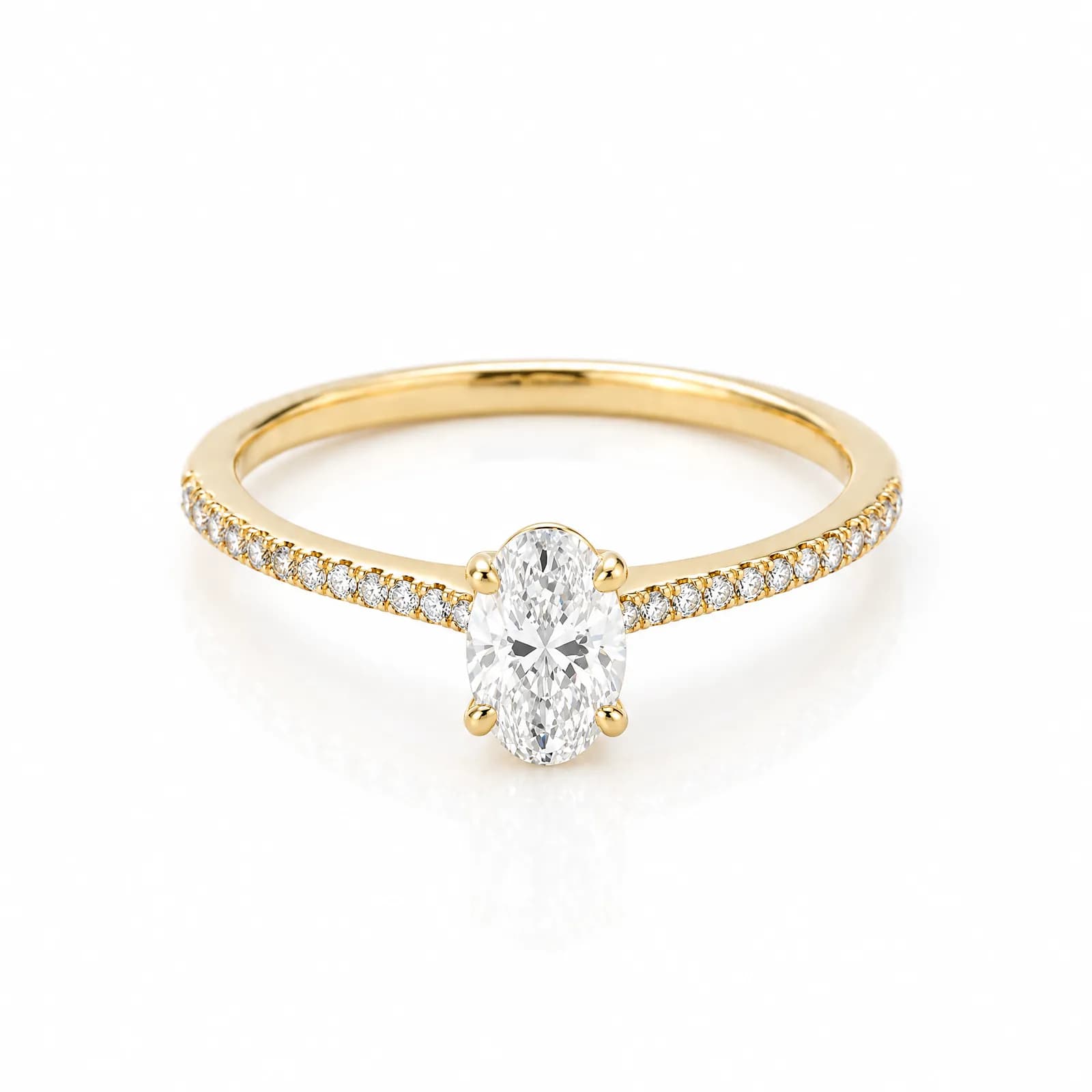
Marketplace sellers
A white-background main image, extra lifestyle images and the right ratios; pay per credit.
PricingAgencies and studios
A workspace per client, share links for approval, pricing by volume.
Talk to us
Art and interiors
Show the artwork or the furniture at real scale, in a real room.
Art and interiors| Traditional shoot | Try-On Studio | |
|---|---|---|
| Preparation | Samples, studio, model and crew; days or weeks | Upload the photo you already have |
| Cost per image | ~$25–250 per finished on-model image (industry estimate, S7) | from ~$0.13, depending on the plan and the Performance profile |
| New colour or variant | A new shoot or retouching | One click with "same scene, other colours" |
| Model | Agency, usage rights, availability | A saved model library, the same face every shoot |
| Format change | Re-crop or reshoot | Pick the ratio, generate again |
| Failed frame | The cost of a reshoot | The credit comes back |
Runs in your browser; nothing is sent. It counts 1 credit for each image; Best quality takes 2 credits.
Industry estimate: $25 to $250 for a finished on-model image.
Credits needed240 a month
RecommendedStarter + 100 credits
Try-On Studio per month$54
Estimated saving per month$14,346
An estimate. Prices may exclude VAT.
Import your images into your store today with the Shopify product CSV, variants included.
Start freeGeneric CSV and ZIP; the right ratios and a white background.
See pricingShare links that expire, with a view count and one-click revoke.
How sharing worksFor high volume, write to us.
Talk to salesWhere Try-On Vision is going
Online, there's still a long way between seeing a product and trying it on. Merchants run photoshoots to show a product; shoppers make guesses to understand it. Try-On Vision closes that gap with one engine that understands products. Today it runs the merchant's photoshoot. Next, it puts the same product on the shopper, and then into a store you can walk through in the browser.
Show
LiveOn-model, lifestyle and editorial shoots from the merchant's product photo.
What it unlocks
Revenue, merchant relationships, catalogue connections and a product understanding that grows every day.
Try
Phase 2Shoppers see the product on their own photo or avatar, together with other pieces.
What it unlocks
More confident buying decisions, fewer "not what I expected" returns.
Explore
Phase 3A showroom you can walk through in the browser, with a smart mirror and a direct cart.
What it unlocks
Online shopping that feels like being in the store.
Every phase runs on one engine that understands products, starting with the studio that's live today.
An image costs 1 credit, or 2 credits on Best quality; a video costs 1 credit per second. Failed images are refunded automatically. Credit packs never expire.
$29 / month
Up to 150 images a month · from about $0.19 per image
Up to 150 images every month
Small brands shooting 30 to 40 products a month.
$79 / month
Up to 500 images a month · from about $0.16 per image
Up to 500 images every month
Growing brands launching new products every week.
$199 / month
Up to 1,500 images a month · from about $0.13 per image
Up to 1,500 images every month
Large catalogues and agencies.
Prices in USD. Lemon Squeezy processes payments securely and handles VAT invoicing.
For more than 5,000 images a month, shot types made for your brand, or a connection to your own systems, let's talk.
If you have hundreds of products, a visual language of your own, or several clients as an agency, let's work out together how Try-On Studio fits your workflow. Send us a few product photos and we'll look at the results with you.
Use the images you generate in ads, in your store and on marketplaces.
Your product photos are not used to train AI models.
A clear process for data access and deletion requests.
Payments go through Lemon Squeezy, which issues the invoice and handles VAT.
A clear, well-lit photo where the whole product is visible is enough: on a hanger, on a mannequin or on a flat surface. JPG, PNG or WEBP, up to 15 MB per photo. A better source means a better result.
Try-On Studio is designed to keep the product true to the original: it uses shooting rules made for each category and sends detail-heavy products to a more precise model. You can ask for a change starting from any result, and technically failed images are refunded automatically.
An image costs 1 credit, or 2 credits on Best quality; a video costs 1 credit per second, or 2 credits on Best quality; background removal is 1 credit. Plan and free credits are spent first, oldest first, then credit packs, oldest first. Plan credits end with the billing period; free and pack credits never expire.
Yes. When you sign up, your personal workspace gets 10 free credits, enough to see one product in a few different scenes. No credit card needed.
Yes, you can use the images you generate in ads, in your store and on marketplaces. The details are in our terms of use.
No. Models are created with AI from your description. "Same person" models are used only in your own workspace.
Export a Shopify product CSV from your gallery, then import it under Products → Import in your Shopify admin.
Yes. Create a team workspace and invite people by email as Owner, Admin, Member or Viewer. Credits and the gallery are shared.
From the billing page, open the customer portal and cancel whenever you like. The credits of the current period stay usable until it ends.
The interface is in English and Turkish. You can write your instructions in any language.
Try it with 10 free credits. No setup, no card.