
Product and variant picker
Start a shoot from the product in your Shopify store.
Shopify app CSV & Sync
Pick your product and variant in Shopify, generate the shoot, and add the image straight to the right position. No exporting, no re-uploading.
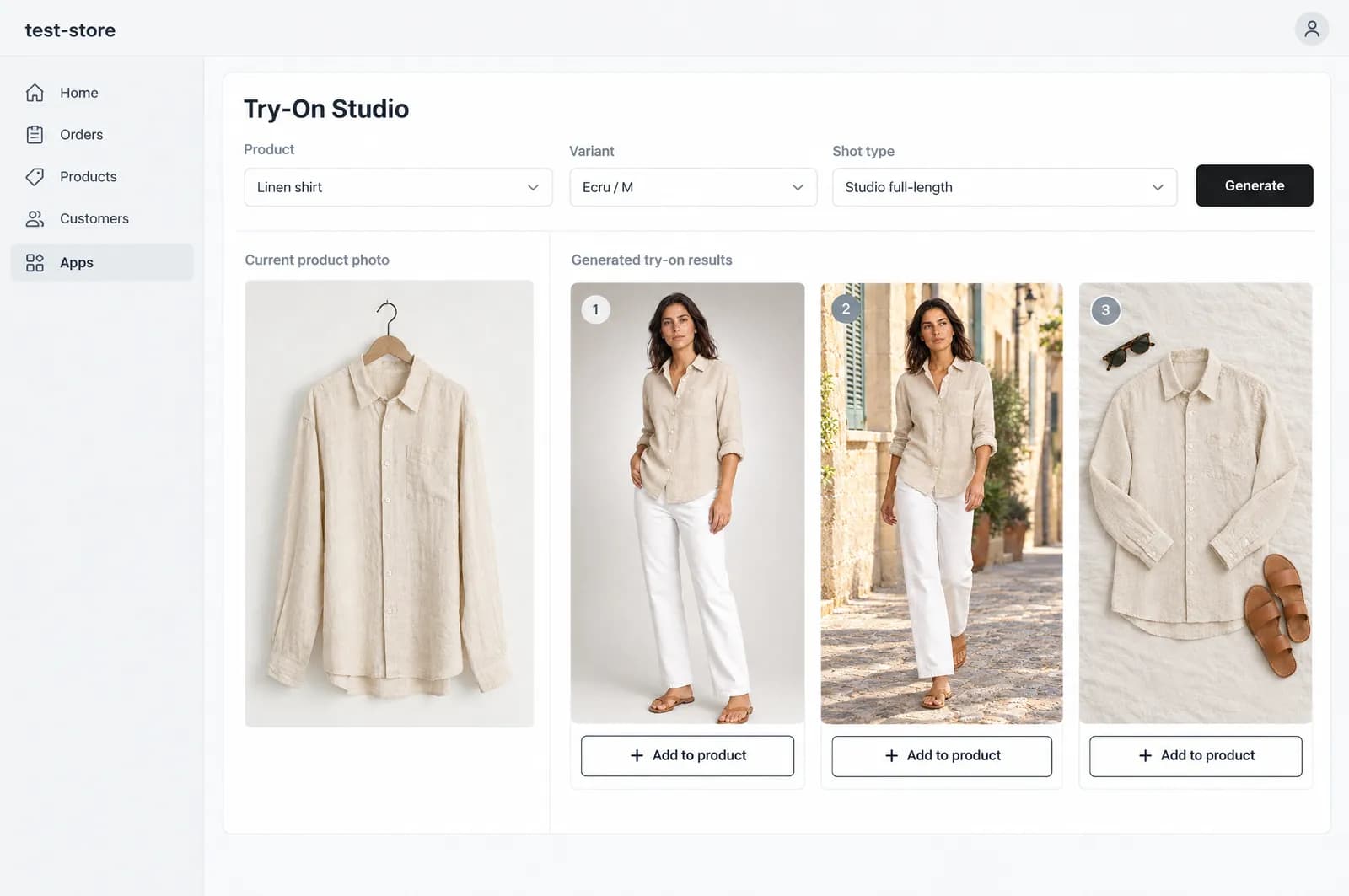
Start a shoot from the product in your Shopify store.
The variant's colour and image are read straight from Shopify.
Add the image as the main image, second, or last.
When a batch finishes, the images are added to the products.
The charge is added to your Shopify bill.
You can bring the images you make on the web into your store today with the Shopify product CSV.
1
Upload your products to Try-On Studio and generate the shoots.
2
Select images in the gallery and export them as a Shopify product CSV.
3
In your Shopify admin, go to Products → Import.
The app reads only the products you choose. When you uninstall it, your store data is deleted within 48 hours.
The app is available to selected stores on request. Tell us about your store and we'll open access when it's a good fit.
Write to us with the Shopify topic and a link to your store.
Yes. Generate images on the web and import them with the Shopify product CSV.